With the new Forms module you build your own forms for members, leads and visitors, no technical knowledge needed. You find them in the menu under Forms.
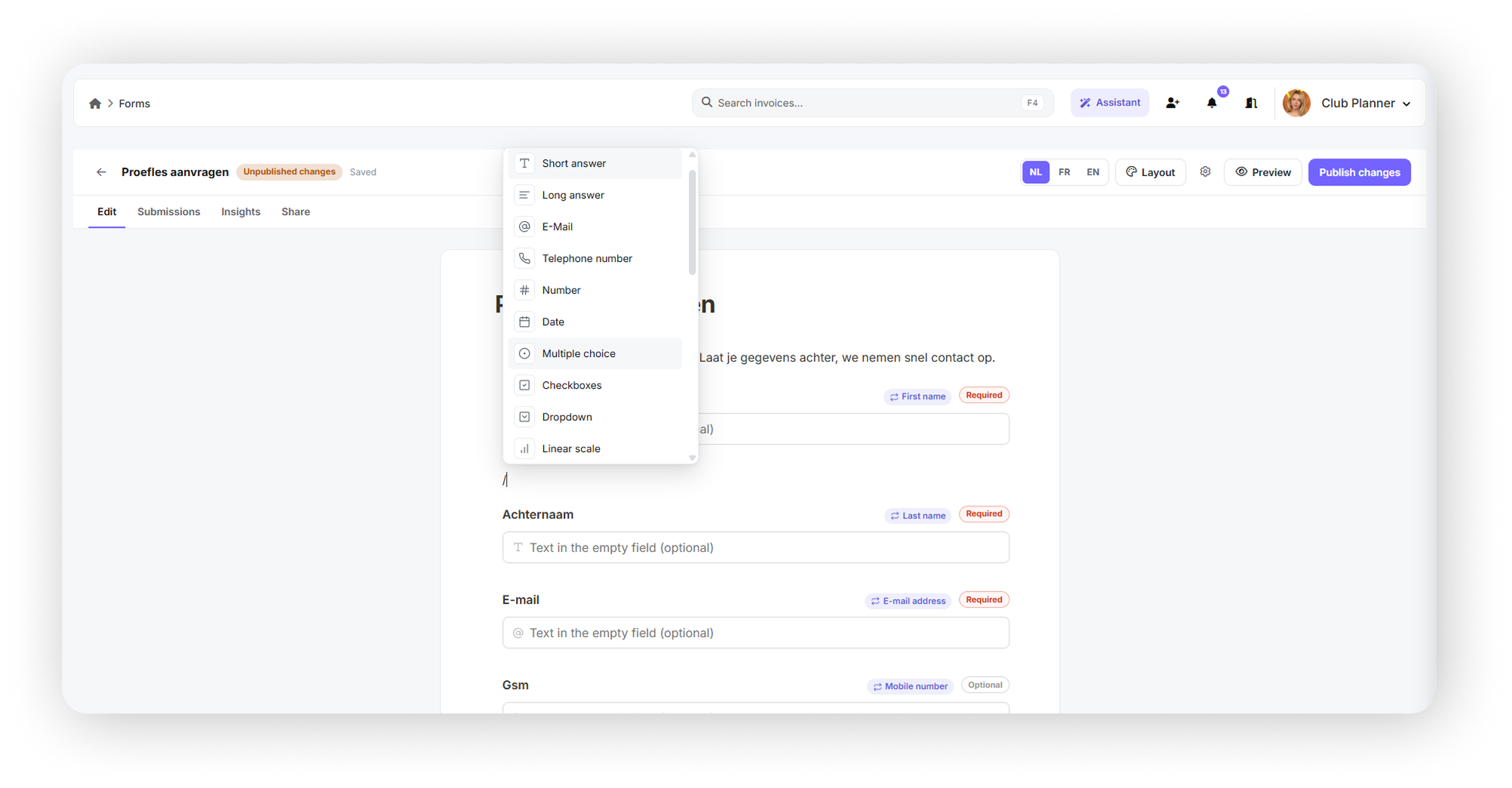
- Build as you type: add questions with /, drag them into the right order, use several pages and your own thank-you page, or start from a template.
- Every question type: text, email, phone, number, date, multiple choice, dropdown, scale, stars, NPS, matrix, consent (terms and privacy policy), file upload and signature.
- Smart logic: show or hide questions, make them required or jump to another page, depending on the answers.
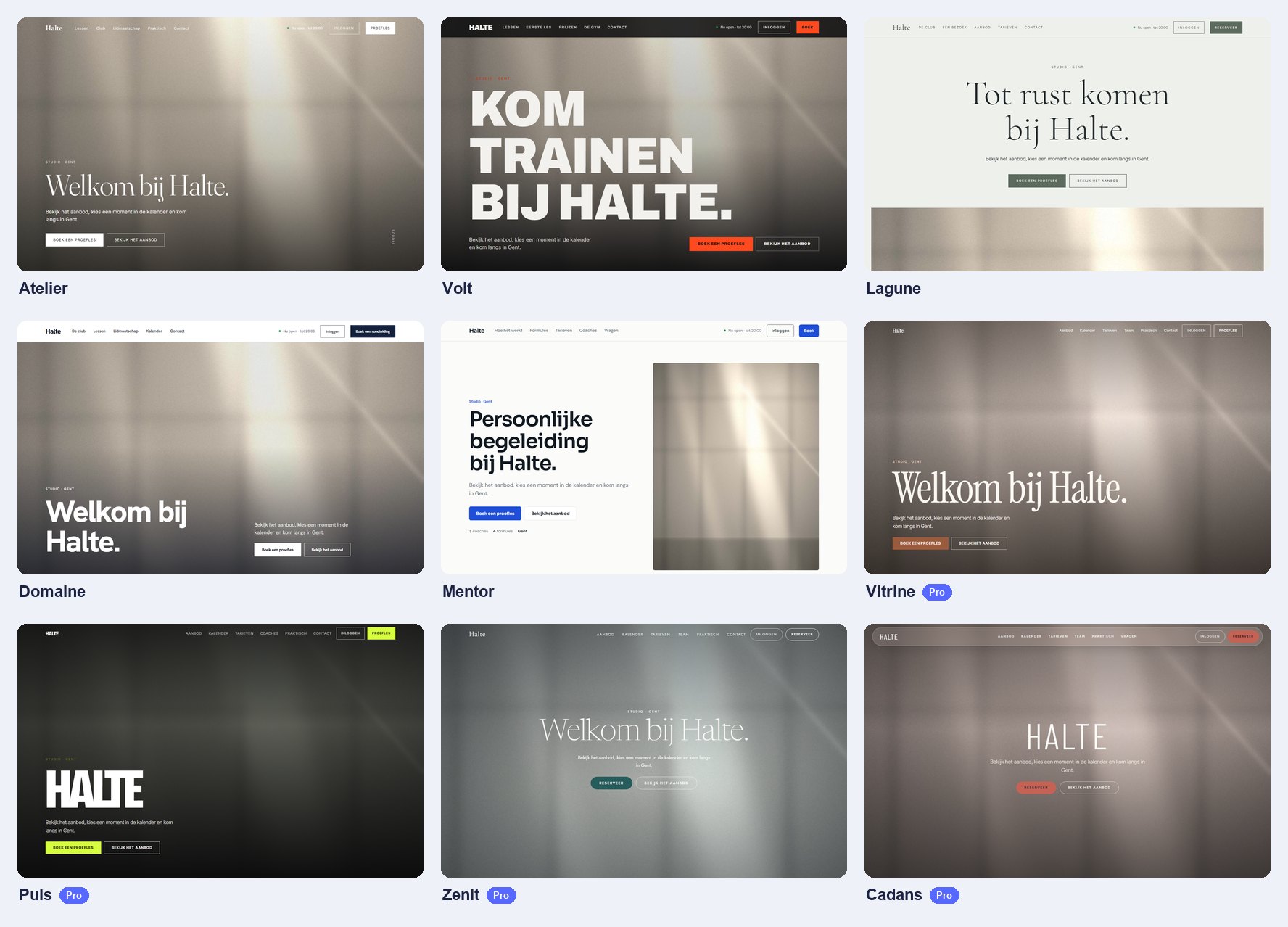
- In your own branding and language: logo, club colour and font; multilingual (NL, FR, EN, DE) with automatic translation.
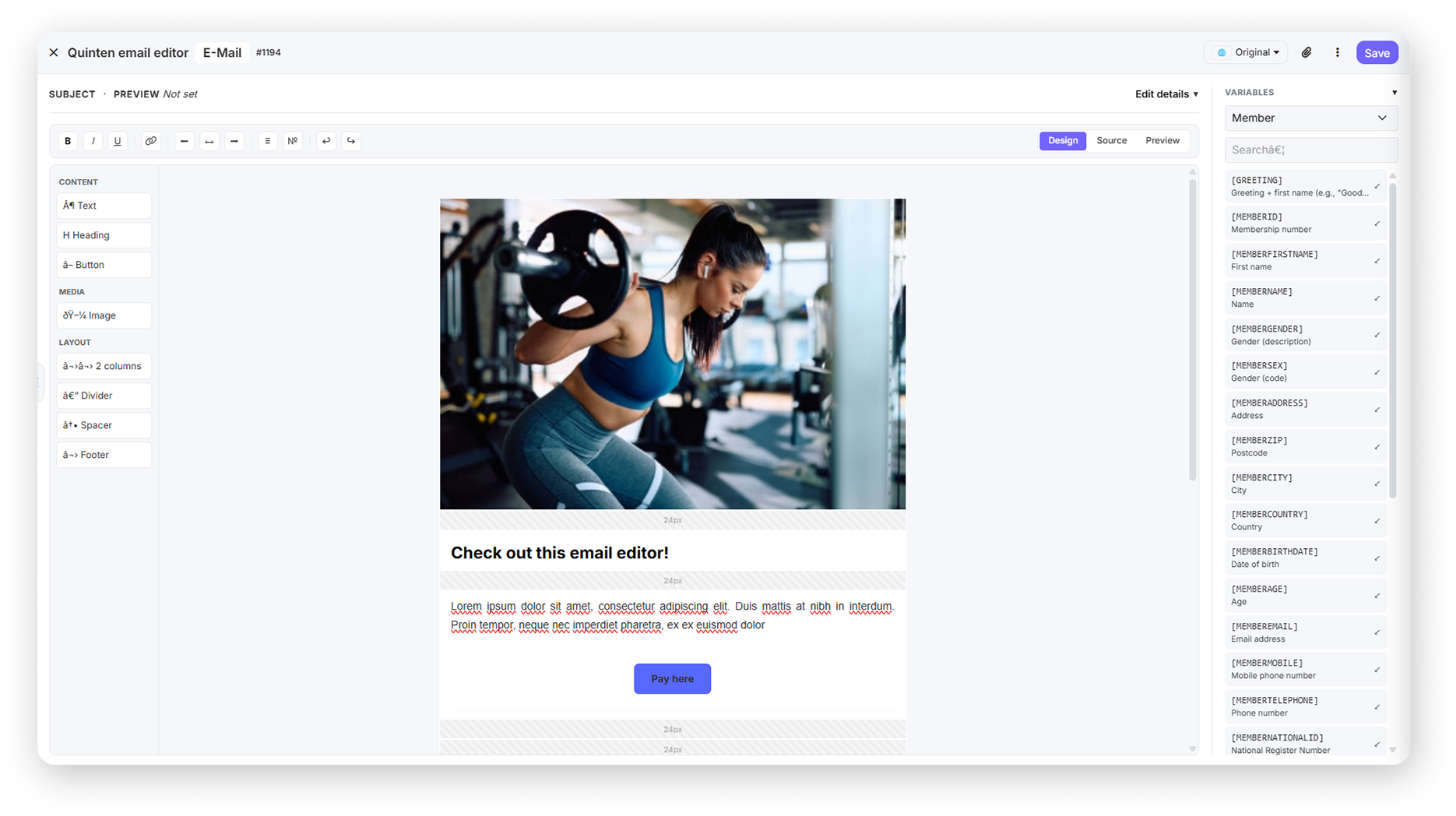
- Send it personally: put a form in your emails with a superlink. The answer lands straight on the member's or lead's profile, and details can be pre-filled and updated.
- Anonymous or identified: you choose per form. Anonymous results only show from 5 answers.
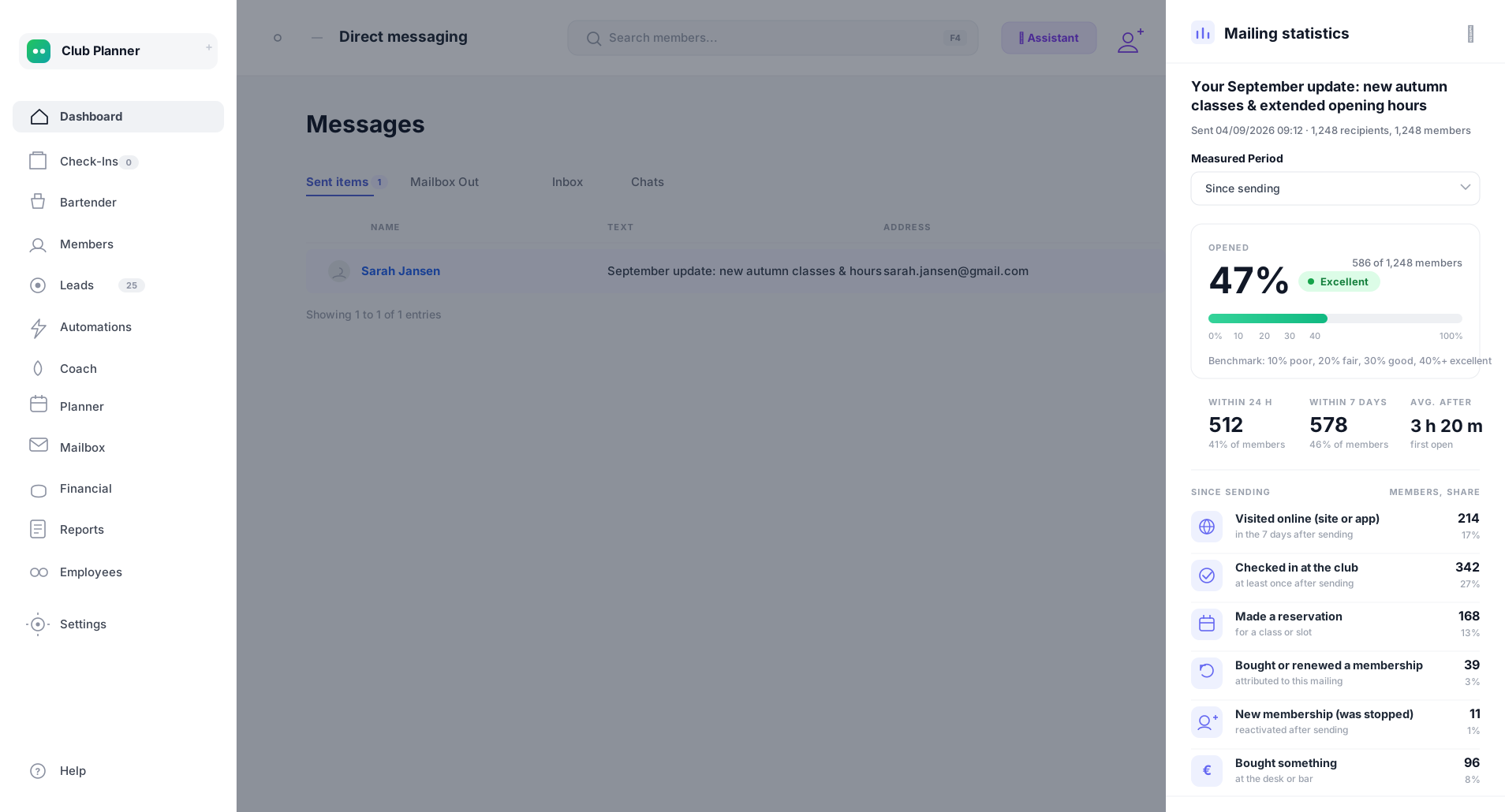
- Results and insights: view, filter and export the submissions (Excel or CSV), see charts per question and get an email for every submission.
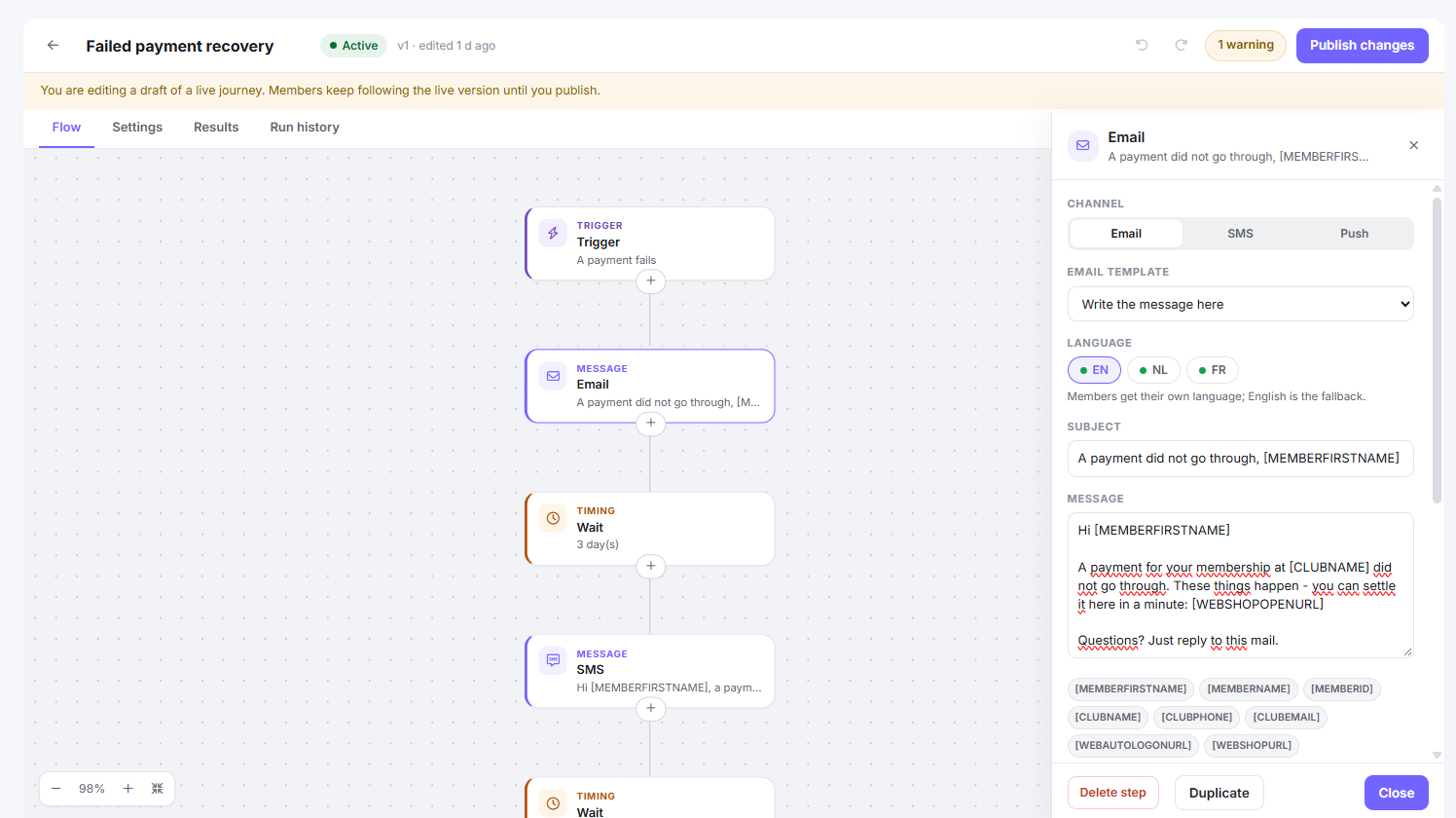
- Automations and leads: create a lead automatically and start an automation when a member or lead fills in a form.
- Share: with a link, a QR code or embedded on your own website.
Staff get access through their authorisation group (View forms / Edit forms).