
In this guide, you'll learn how to create a gift card in Clubplanner and make it available to a member.
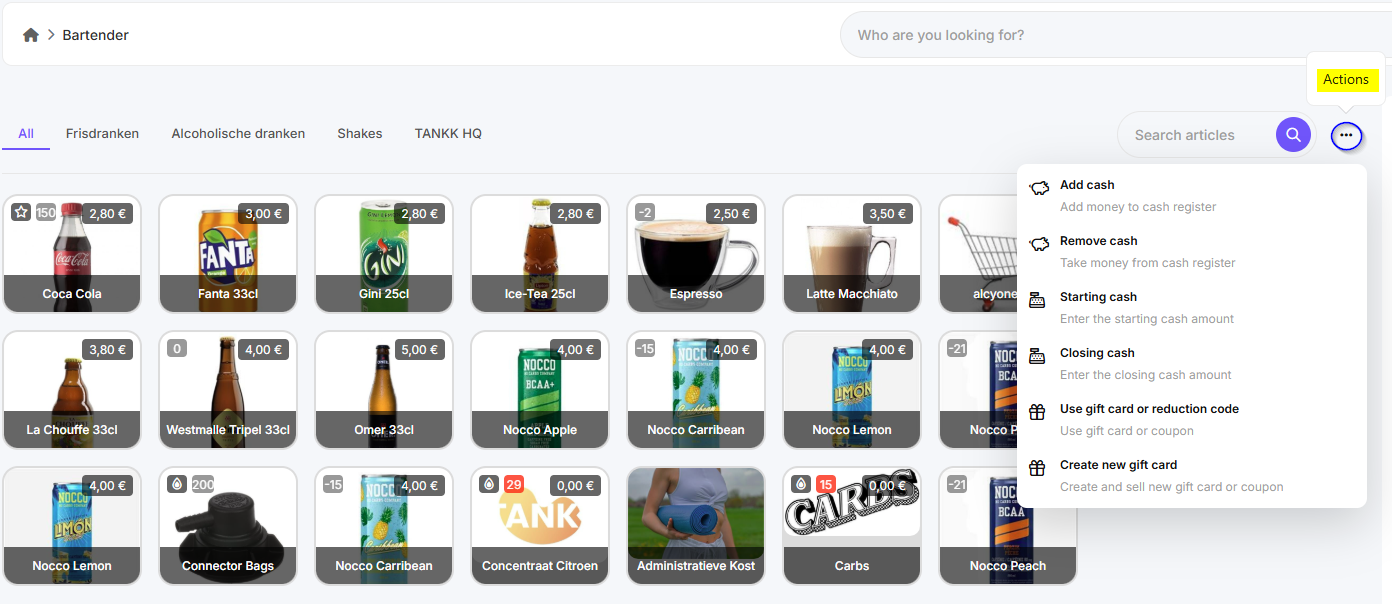
Step 1 – Go to “Bartender"
- In the main menu, navigate to “Bartender”.
- Then click “More actions” in the top-right corner.
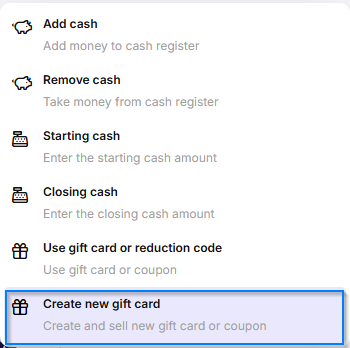
Step 2 – Click on “Create new Gift Card”
- Click the “Create new Gift Card” button to create a new gift card.
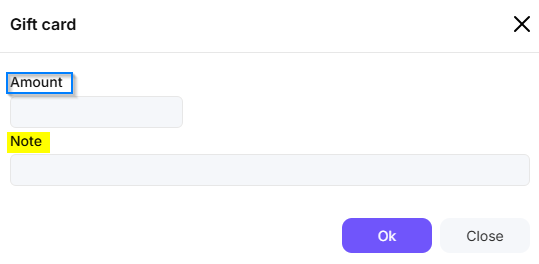
Step 3 – Enter gift card details
- Enter the following details:
- Gift card amount
- Description or comments (optional)
Step 4 – Save
- Select a payment method to complete the transaction. The gift card has now been created.
- The new gift card will now appear in the list of available gift cards under Finance - Gift Cards. Here, you can copy the random code and, for example, write it on a physical gift card.