The Check-ins screen shows who came in today. You can also check a member in yourself there, for example when their badge doesn't work.
View check-ins
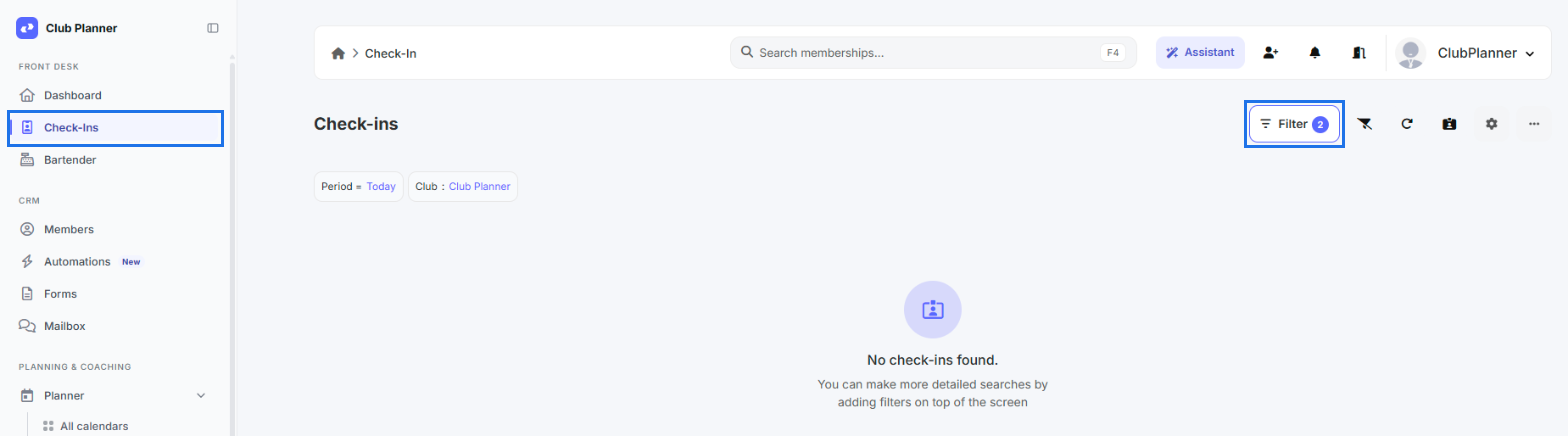
- In the Front desk menu, go to Check-Ins. You'll see today's check-ins for your club.
View another period or club
- Click Filter.
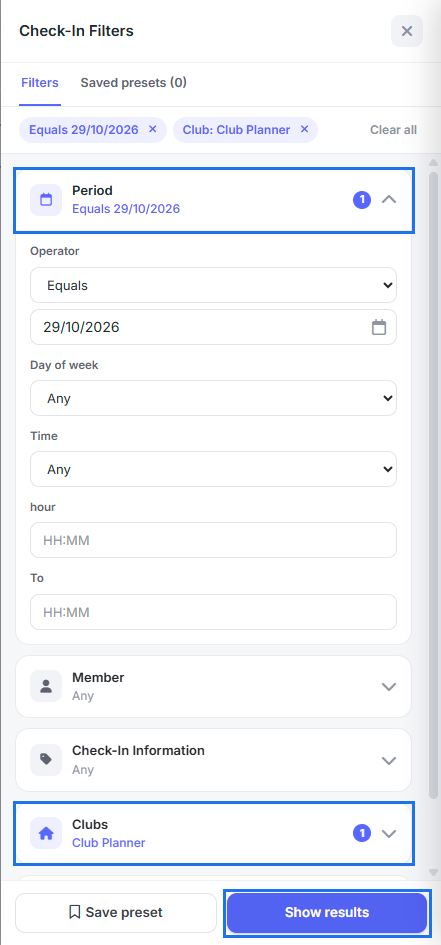
- Click Period and choose the date.
- Click Clubs and choose the club.
- Click Show results.
Check a member in yourself
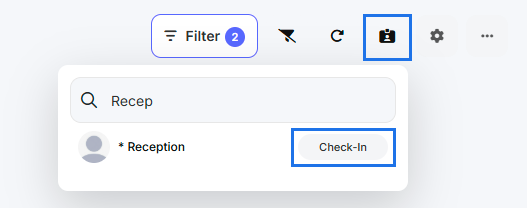
- Click the check-in icon next to Filter.
- Type the member's name.
- Click Check-In next to the member.
The member gets an attendance. Depending on your club's settings, a session is also deducted. Note that this does not open the door or the access gate.