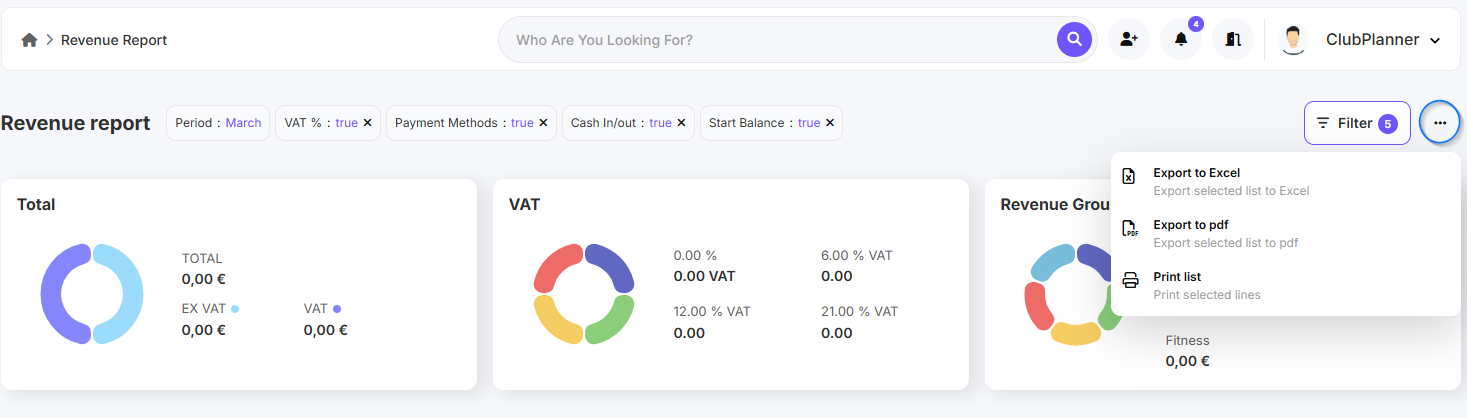
In this guide, you'll learn how to easily find your sales report and export it to Excel or PDF.
Find the sales report
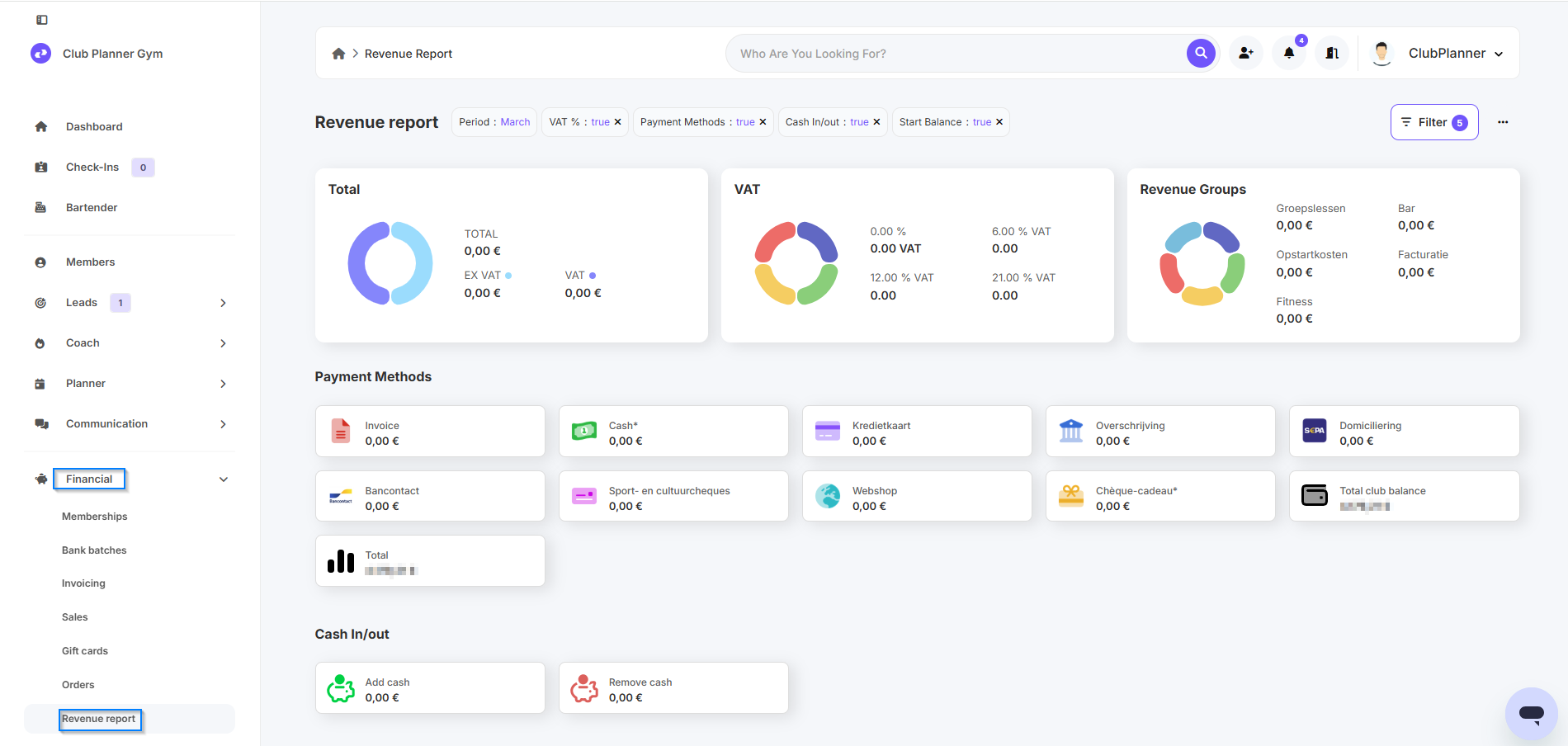
- Go to Financial.
- Next, click on Sales Report.
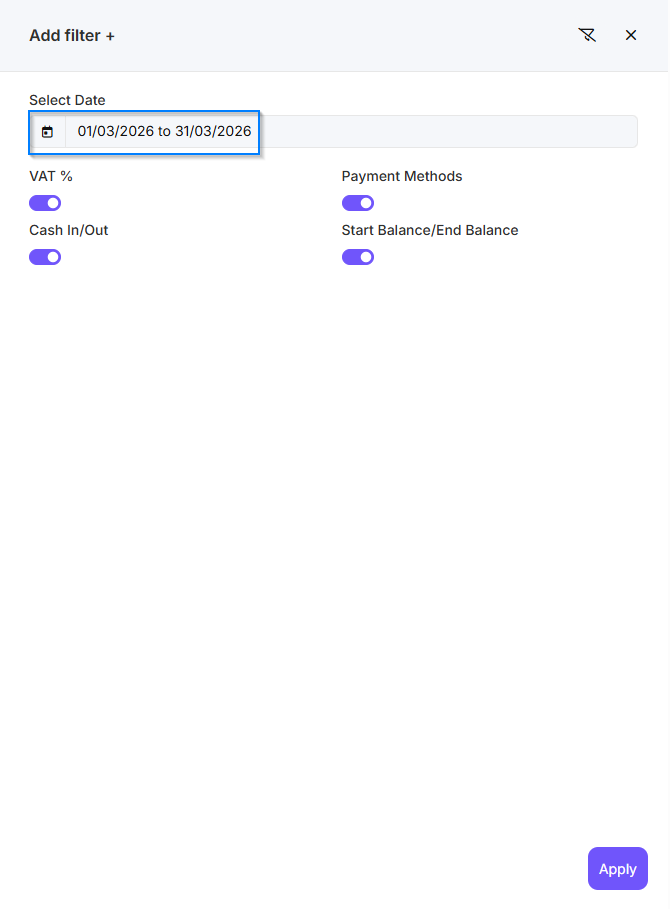
- Under Filter, select the date for which you want to view the sales report.
- Click Apply to retrieve the report.
Would you like to export the report?
- Click on the three dots in the upper-right corner.
- Next, select Export to Excel or Export to PDF.