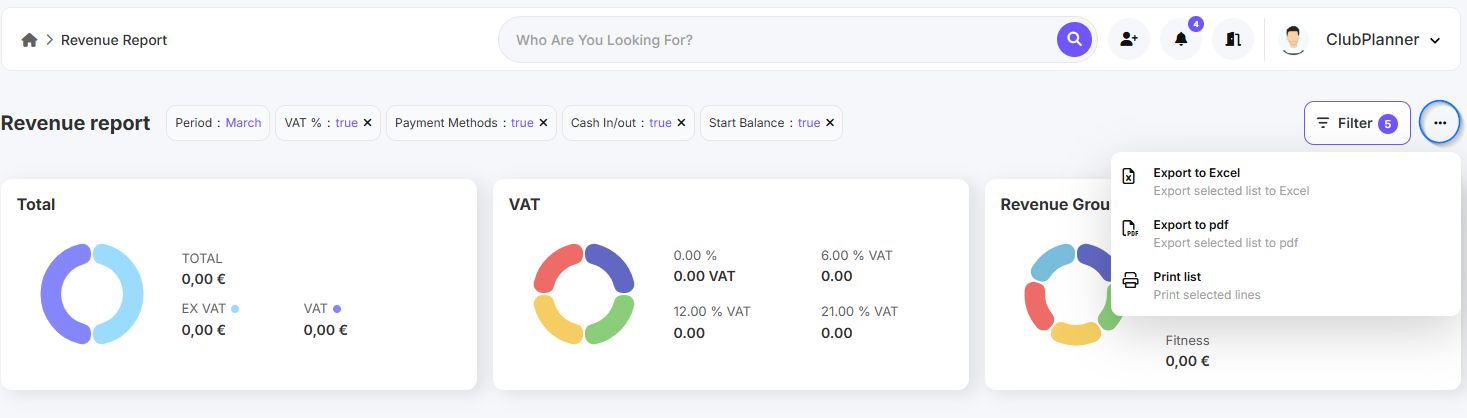
In dieser Anleitung erfährst du, wie du deinen Umsatzbericht einfach findest und als Excel- oder PDF-Datei exportierst.
Umsatzbericht finden
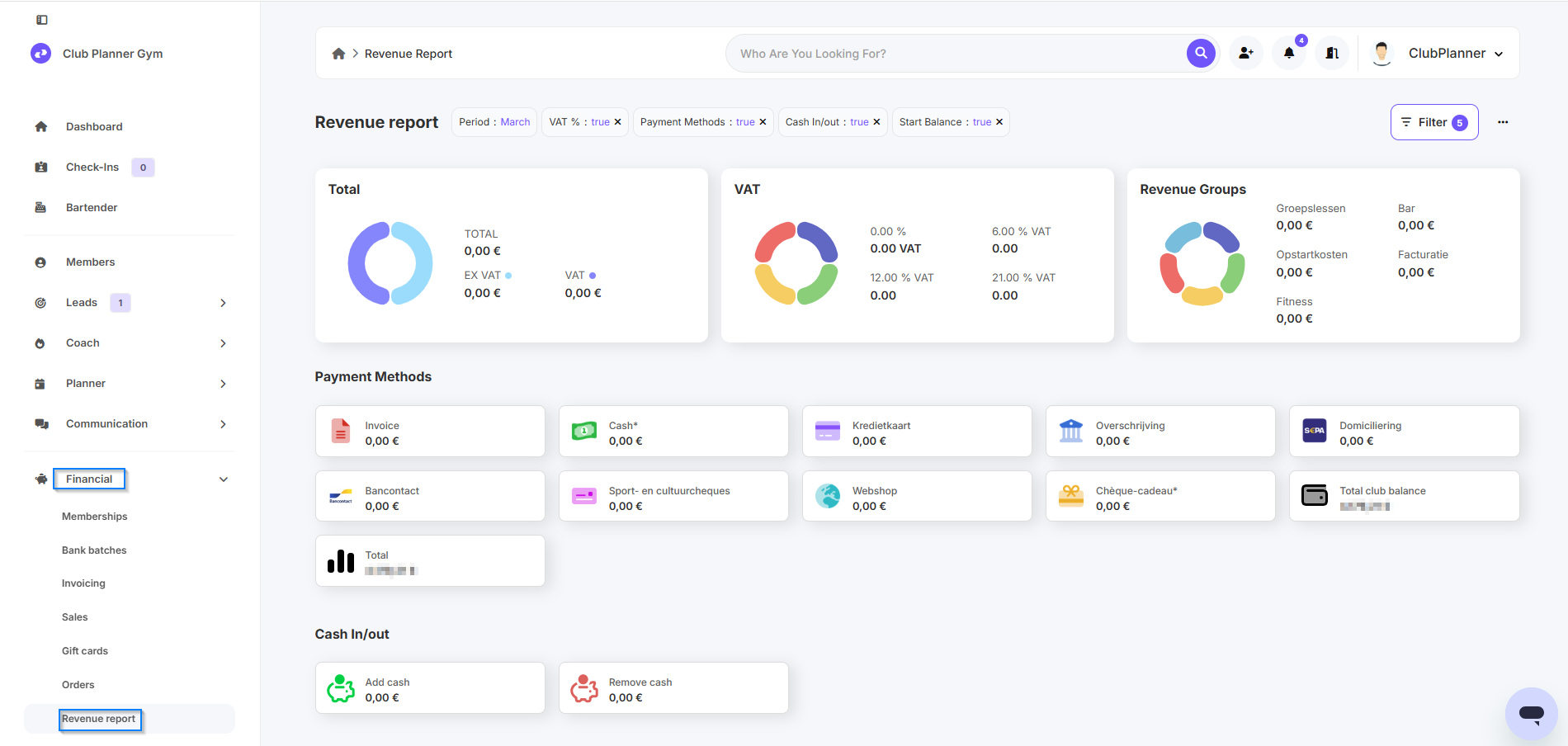
- Gehe zu Financieel.
- Klicke dann auf Omzetrapport.
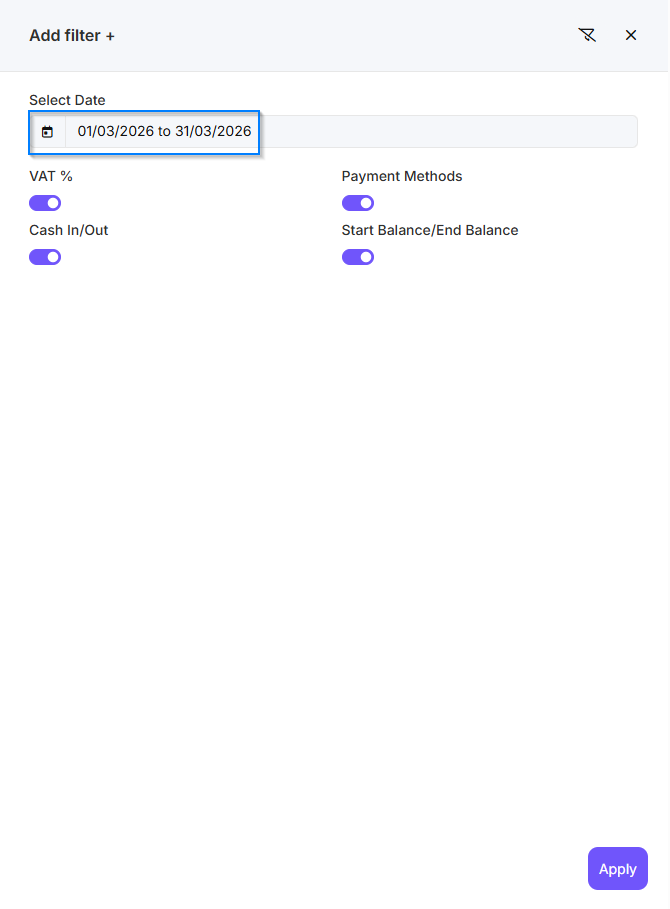
- Wähle unter Filter das gewünschte Datum aus, für das du den Umsatzbericht anzeigen möchtest.
- Klicke auf Apply, um den Bericht abzurufen.
Möchtest du den Bericht exportieren?
- Klicke auf die drei Punkte oben rechts.
- Wähle dann Export naar Excel oder Export naar PDF.