In this guide, you'll learn step by step how to find reports, select the correct category, and generate a report in Excel or PDF.
Where can I find reports, and how do I create one?
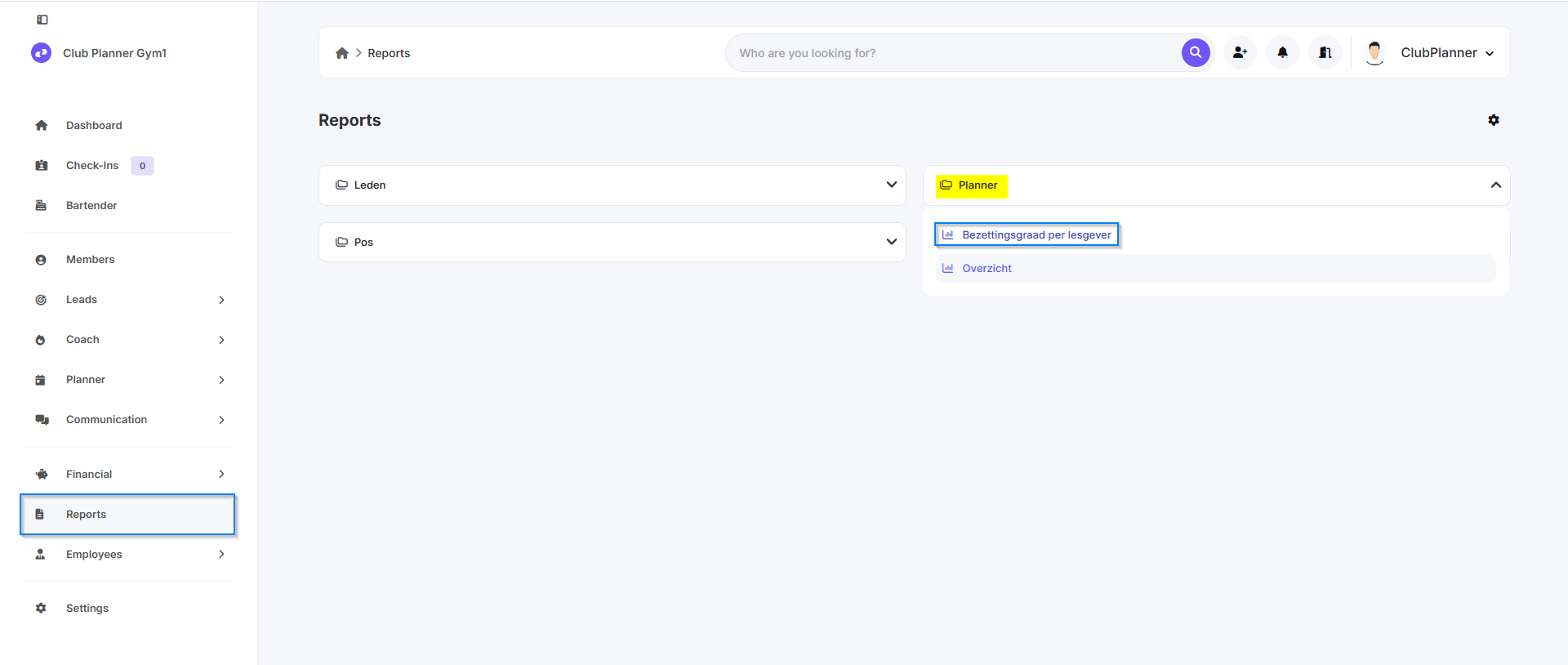
- Go to Reports in the menu.
- You’ll see various categories, such as:
Members, Planner, POS, General, … - Click on Planner, for example.
- Then select the report “Class Occupancy Rate by Instructor”.
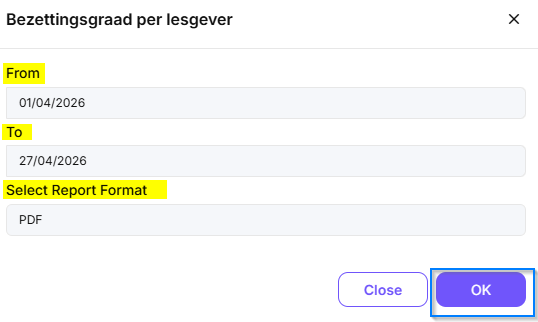
- Enter the time period for which you want to view the data.
Select the desired format:
- Excel
- PDF- Finally, click OK to generate the report.