
This article explains step by step how to deactivate a membership.
Set membership to inactive
- Go to Settings - Memberships
- Select the membership you want and click “Edit”
- Uncheck 'Active'
Please note: Make sure this membership is no longer active in the online store before you deactivate it completely.
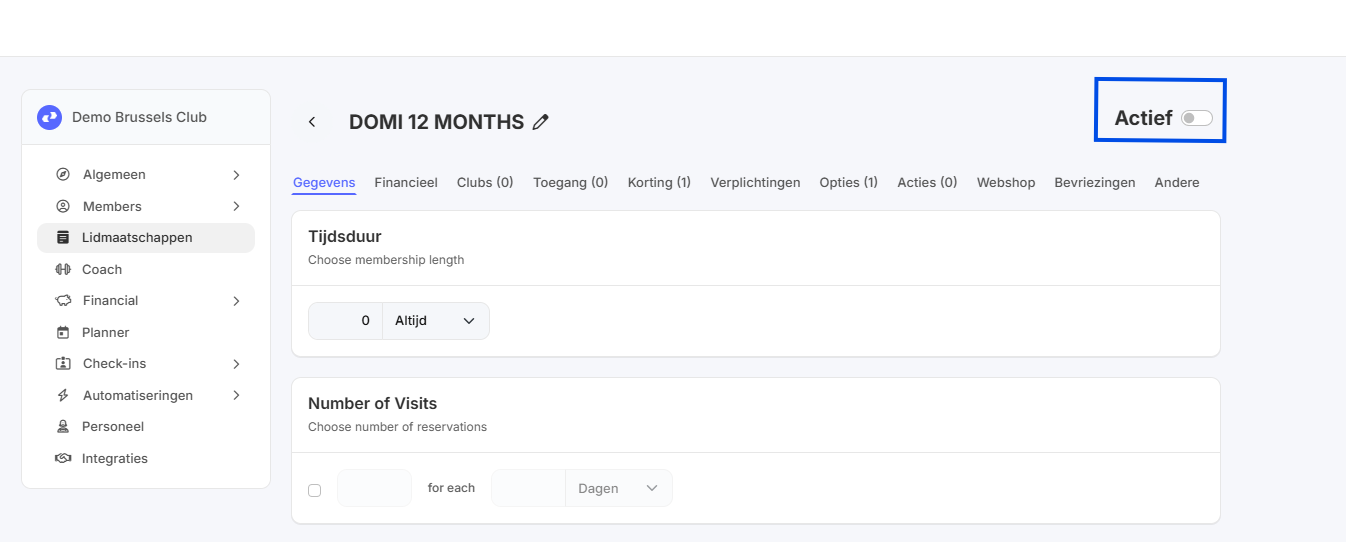
This membership is no longer available for purchase. For all members whose membership was still active, it will continue until its expiration date.