
Learn how to apply bulk operations to a selection of scheduled activities here.
Step 1 - Find scheduled activities
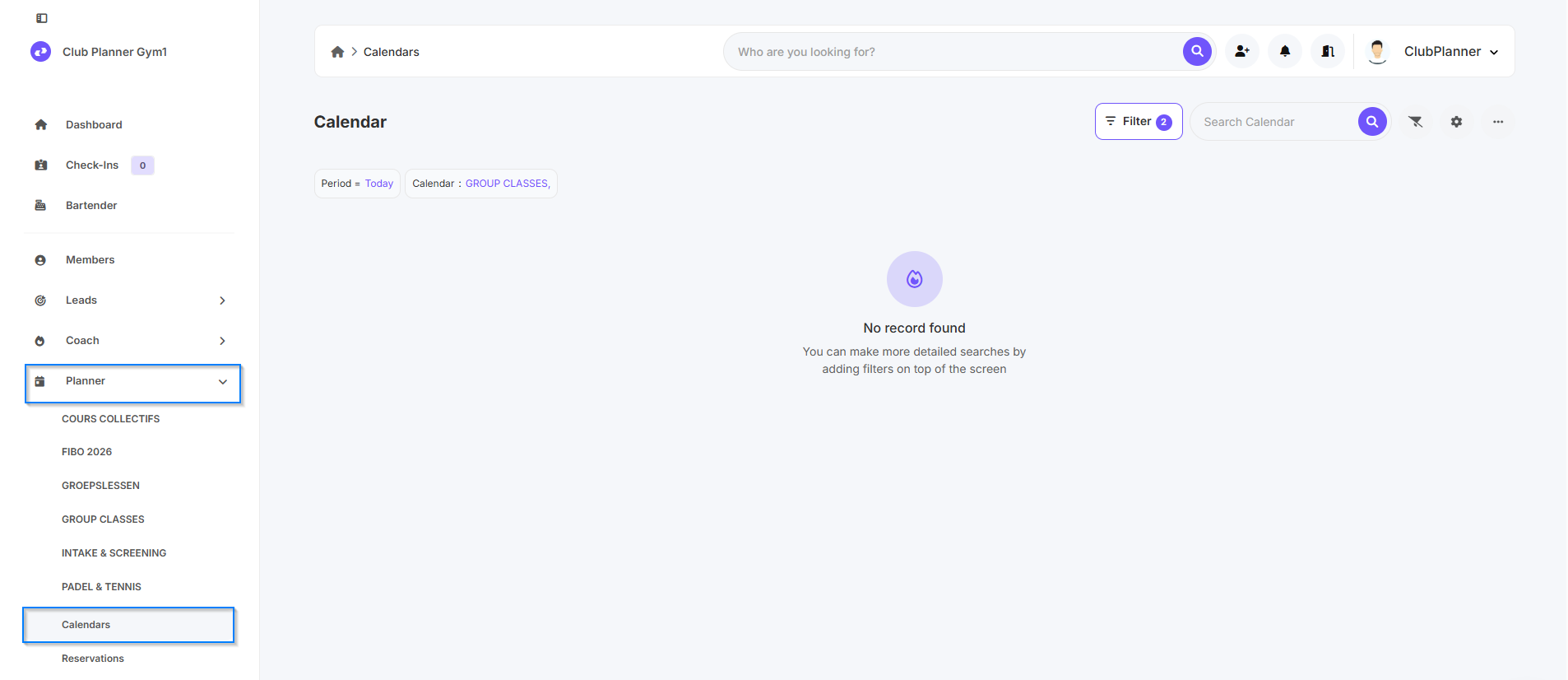
- Go to Planner
- Next, click on Calendars
Step 2 - Set the correct filters
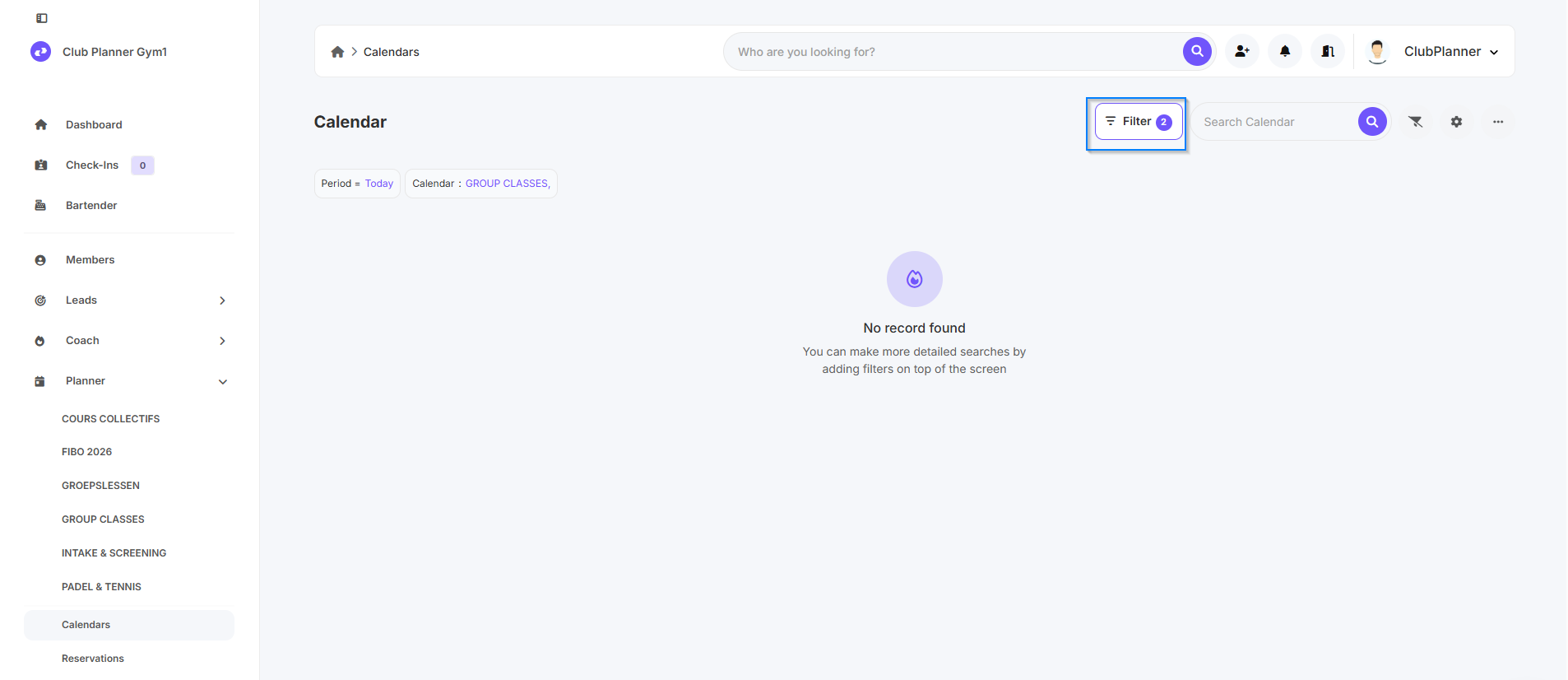
- Click the Filter button in the upper-right corner
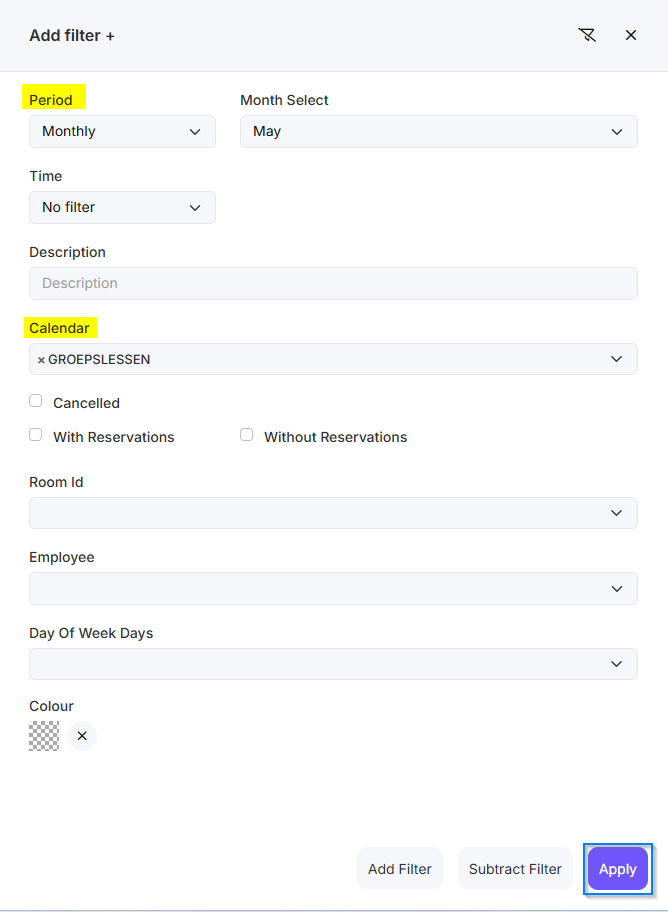
- Set the desired filters to find the right activities
(e.g., date range, calendar, activity type, etc.) - Click on Apply
Example:
- Period: monthly May
- Calendar: GROEPSLESSEN
Step 3 - Perform a bulk operation
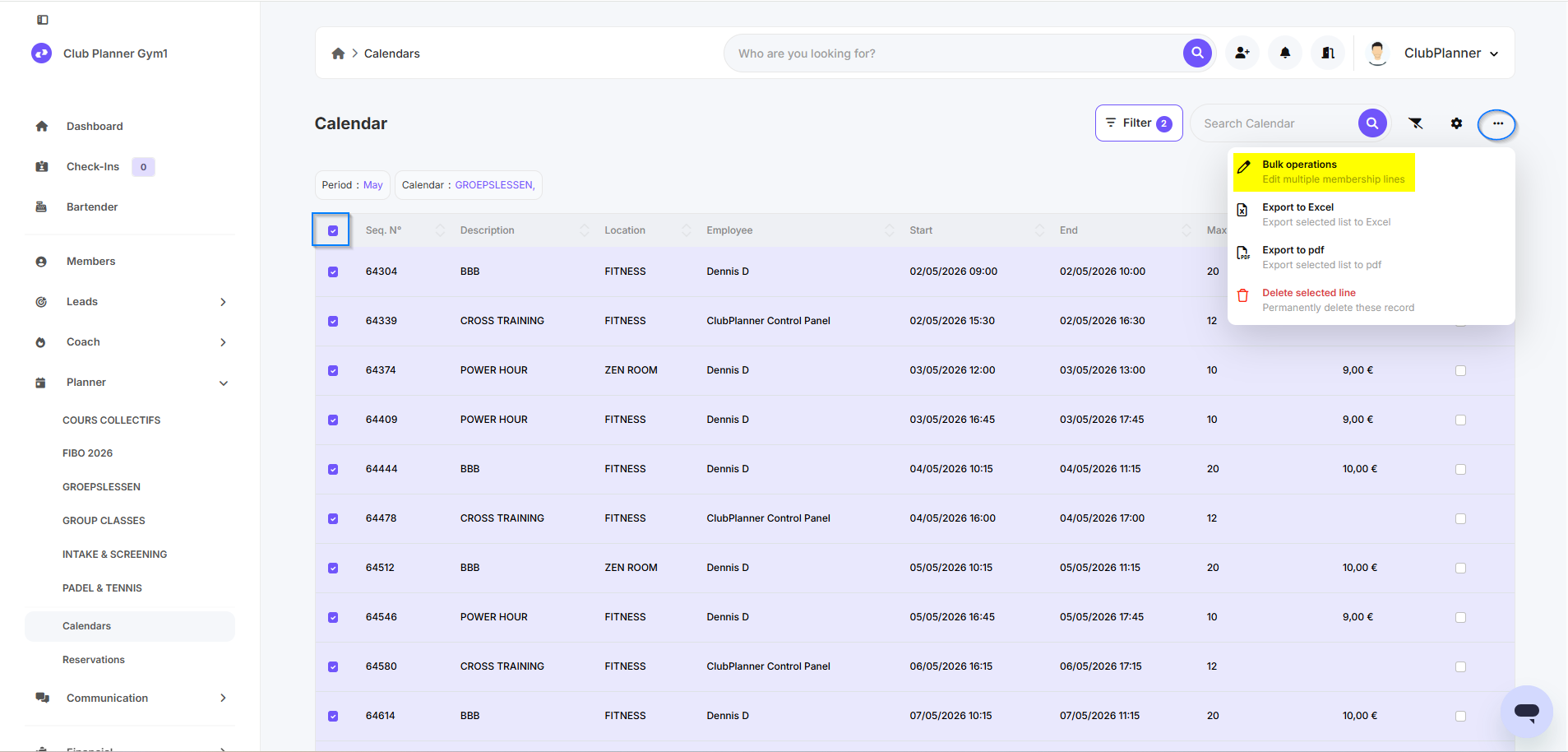
- Select all the activities you want to edit
- Click the three dots in the top-right corner
- Select Bulk operations
- Make the desired changes
- Click on Start
⚠️ Note: Bulk actions are applied immediately to all selected activities and cannot be easily undone. Please check your selection carefully.
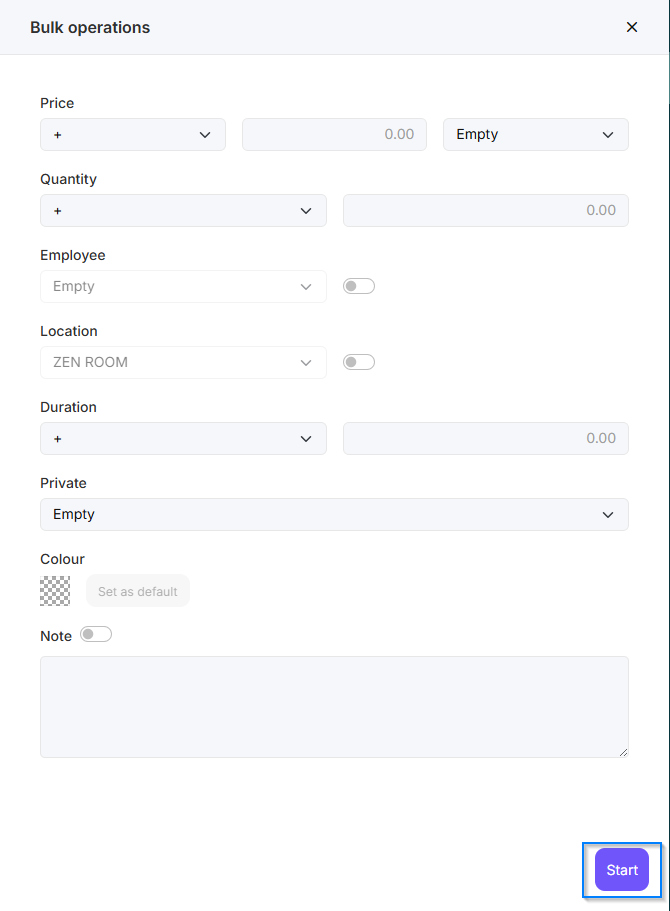
Meaning of the fields
| Field | Meaning |
|---|---|
| Price | The cost associated with the service or activity |
| Quantity | The maximum number of participants who can register |
| Employee | The person leading the activity |
| Location | The place where the activity takes place |
| Duration | How long the activity lasts |
| Private | Indicates whether the activity is private or not |
| Colour | The color used to display the activity in the calendar |
| Note | Additional notes or comments about the activity |