
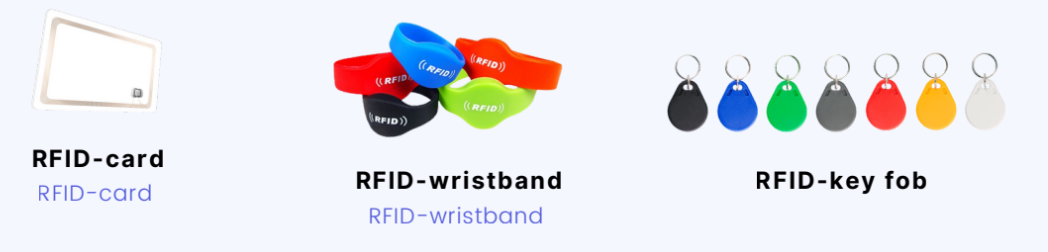
In this article you will learn how to link an RFID card, wristband, or key fob to a customer file.
Step 1 - Scanning
First scan the RFID card, wristband, or key ring at the scanner on the turnstile or door. Membership cards and other RFID carriers can be easily ordered via Club Planner. To proceed, please contact support@clubplanner.be.
Step 2 - Member file
Open the membership file of the customer you want to link the RFID badge to and click the barcode next to “ID”.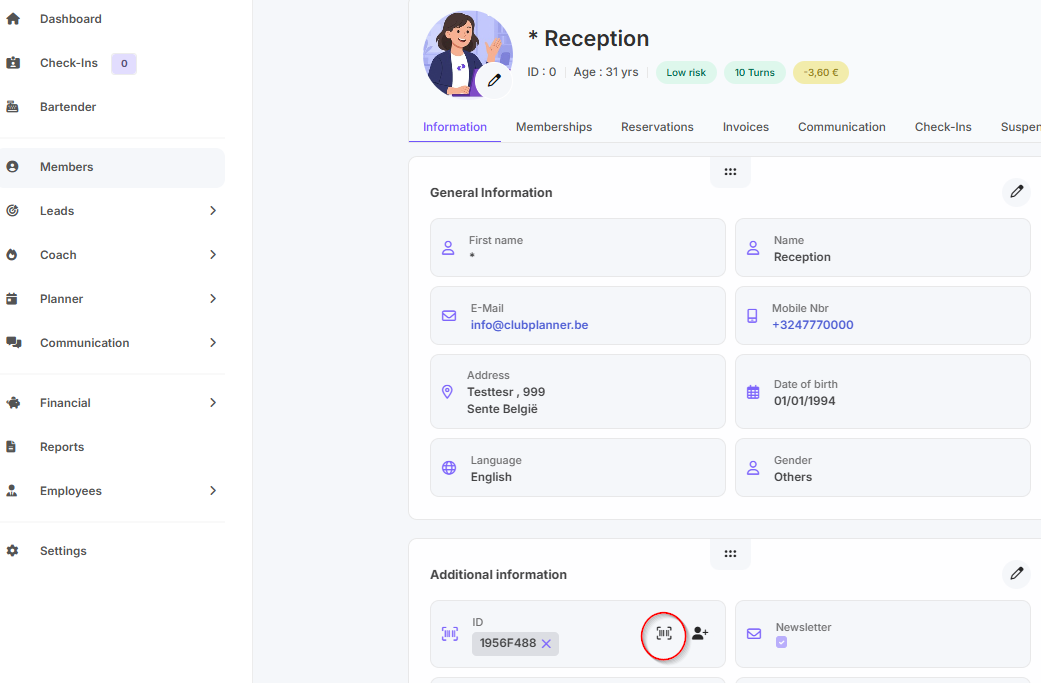
After clicking on the barcode, a code will appear. Then click on the save button.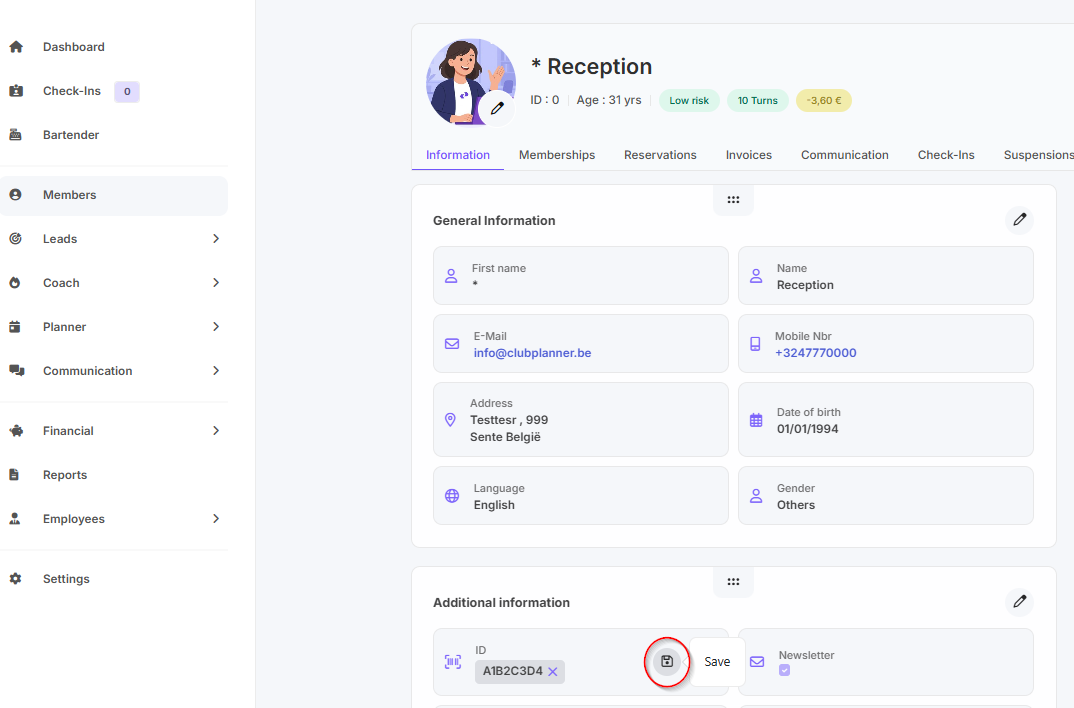
Step 3 - Final result
Scan again at the turnstile or door and see if the customer gains access.