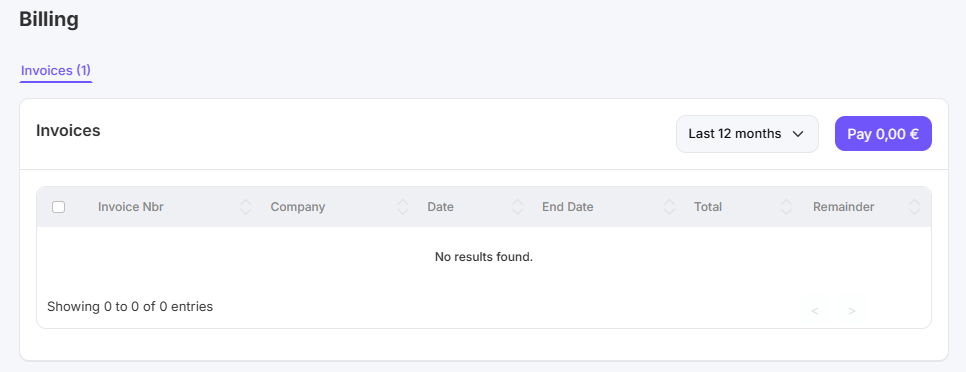
This article explains step by step where you can view Club Planner's outstanding invoices.
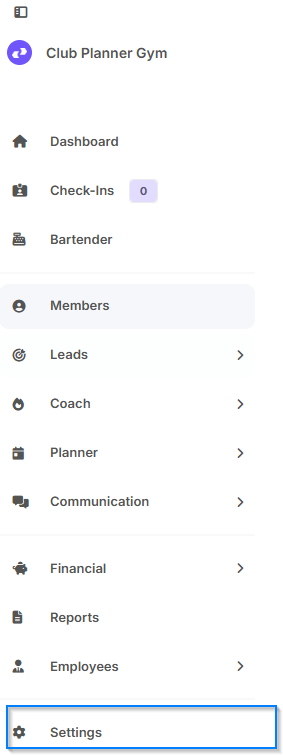
Step 1
Go to “Settings.”
Step 2
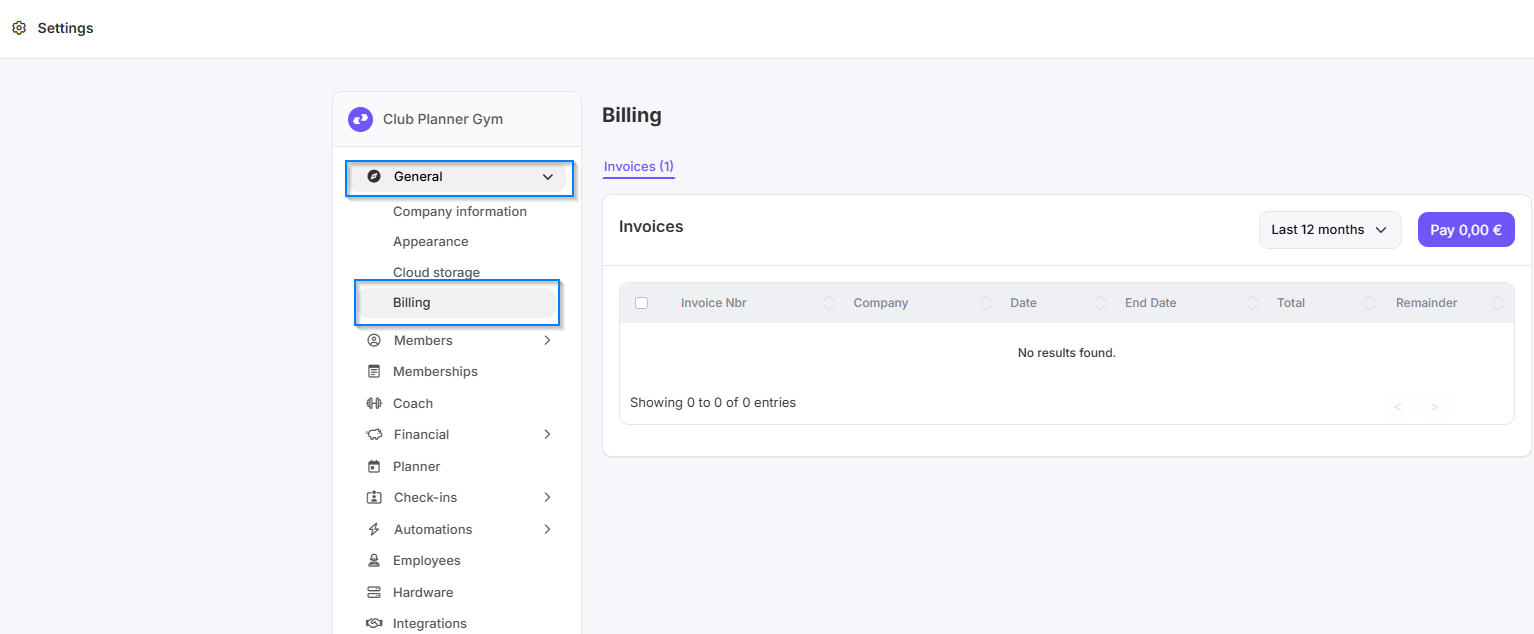
Click on ‘General’, then click on ‘Billing’.
Step 3
Here you can see an overview of all invoices from Club Planner. You can also pay immediately using the button at the top right.