
This guide gives an overview of the calendar settings in Club Planner: reservations, cancellations, restrictions, waiting list, access and display.
Opening the calendar settings
- Go to Settings > Planning > Calendars.
- Click the calendar.
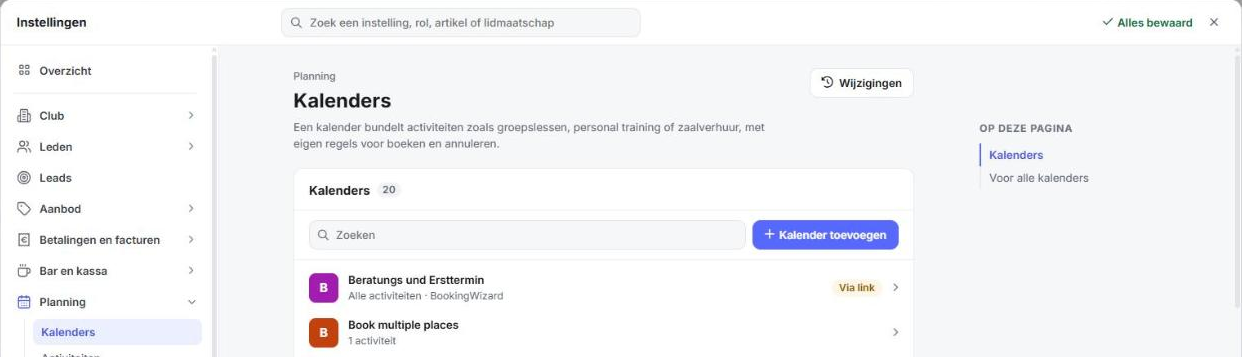
All settings are on one page. On the right, On this page takes you straight to a section. At the top, Summary describes the calendar in a few lines. Every change is saved straight away.
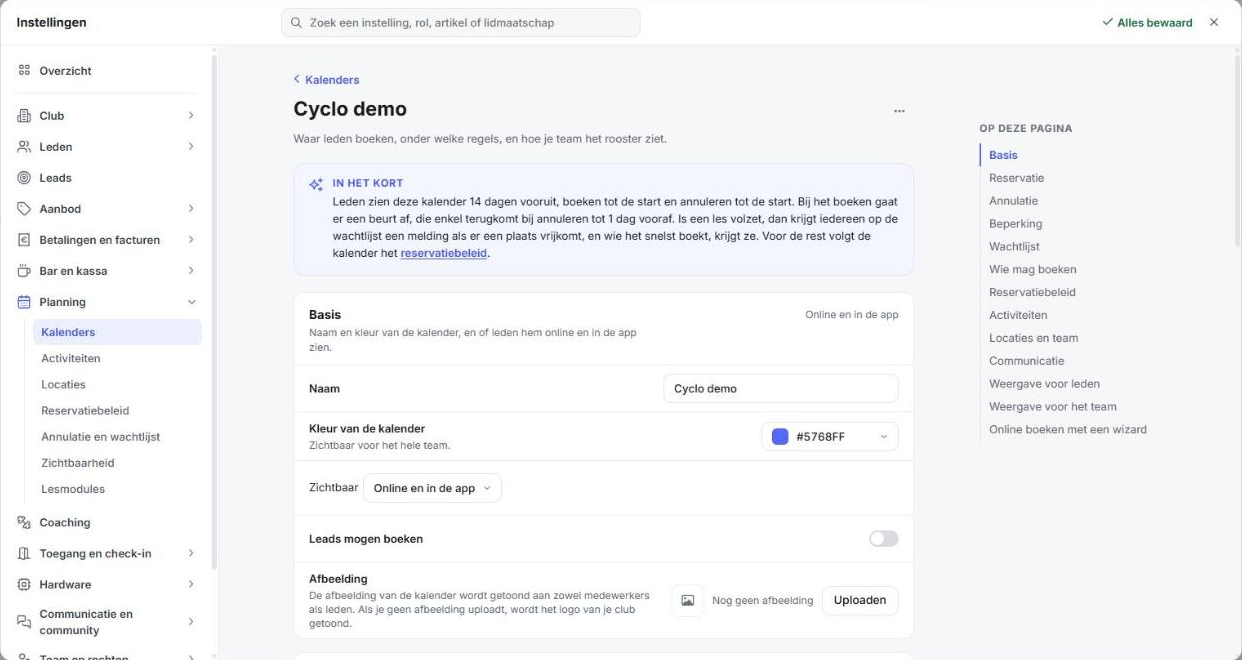
Basics
| Setting | Meaning |
|---|---|
| Name and Calendar colour | What the calendar is called and which colour it gets in the planner. |
| Visible | Online, In the app, Online and in the app or Nowhere. Sets where members see the calendar. |
| Leads can book | Leads can book on this calendar, for example a trial class. |
| Image | The image members and staff see with the calendar. Without an image, your club logo is shown. |
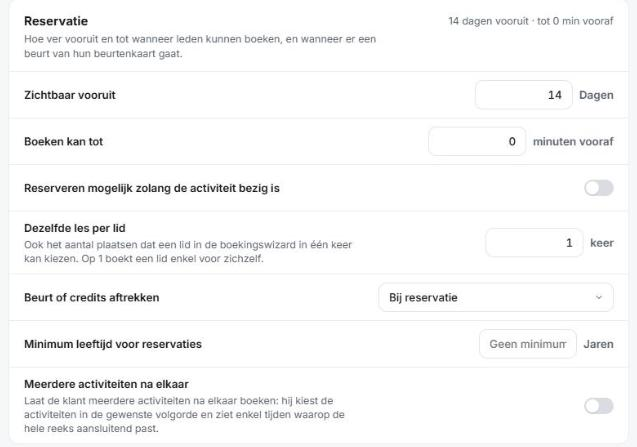
Reservation
| Setting | Meaning |
|---|---|
| Visible ahead | How many days into the future members see the calendar. |
| Booking possible until | Up to how many minutes before the start a member can still book. |
| Booking possible while the activity is running | Members can still book after the activity has started. |
| Same class per member | How many times a member can book the same activity, for example to bring a friend. If you want contact details for every participant, leave this at 1. |
| Deduct session or credits | None, At check-in or At reservation. |
| Minimum age for reservations | The minimum age to book on this calendar. |
| Several activities in a row | Members can book activities that follow each other directly. They only see times where the whole series fits. |
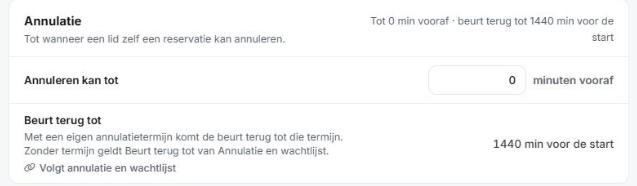
Cancellation
| Setting | Meaning |
|---|---|
| Cancel up to | Up to how many minutes before the start a member can cancel their reservation. |
| Session refunded until | Until when a member gets their session or credits back when cancelling. Without a custom term, the calendar follows the rule under Planning > Cancellation and waiting list. |
Restriction
| Setting | Meaning |
|---|---|
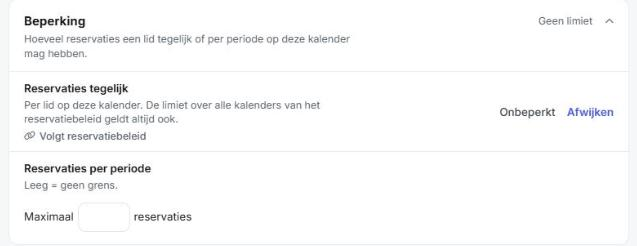
| Reservations at the same time | How many open reservations a member can have at once on this calendar. Follows the reservation policy, or click Deviate to set your own number. |
| Reservations per period | The maximum number of reservations per hour, day, week or month. Applies to the whole calendar. Empty means no limit. A limit per membership is set under Who can book. |
Waiting list
| Setting | Meaning |
|---|---|
| Members can join the waiting list | Members put themselves on the waiting list when the activity is full. |
| When a place becomes free | The first member moves up automatically, or everyone gets a notification and the fastest wins. |
| Moves up automatically until | With automatic moving up: up to how many minutes or hours before the start members move from the waiting list to the reservation list. |
Who can book
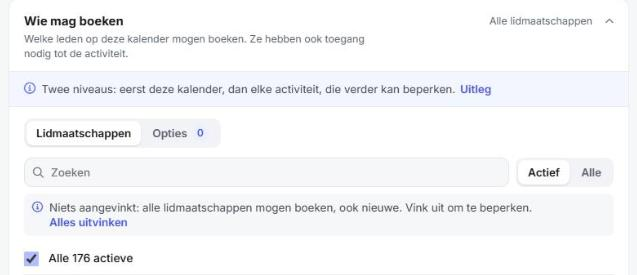
Which memberships and options can book on this calendar, with a custom limit per membership. Members also need access to the activity. See 'Memberships provide access to activity reservations'.
Reservation policy
Shows which reservation policy applies to this calendar: booking allowed, grace period, allowing blocked members to book and allowing members to book several activities at the same time. Use Open to change the policy.
Activities, Locations and team
Which activities, locations, staff members and roles belong to this calendar. If you leave Activities empty, all activities are possible.
Communication
Which emails members receive for a reservation, cancellation, payment and reminder, whether the confirmation goes by email or text message, and whether you include an ICS file or QR code.
View for members and for the team
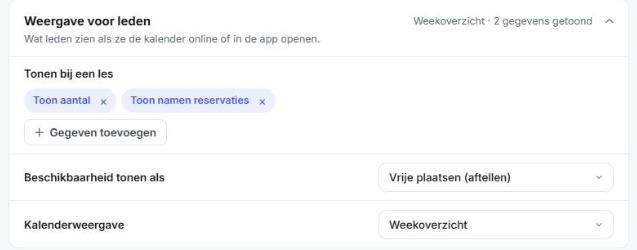
View for members: what members see with a class (for example the number and names of who booked), whether availability is shown as booked or free places, and whether the calendar is shown as a week overview or a list.
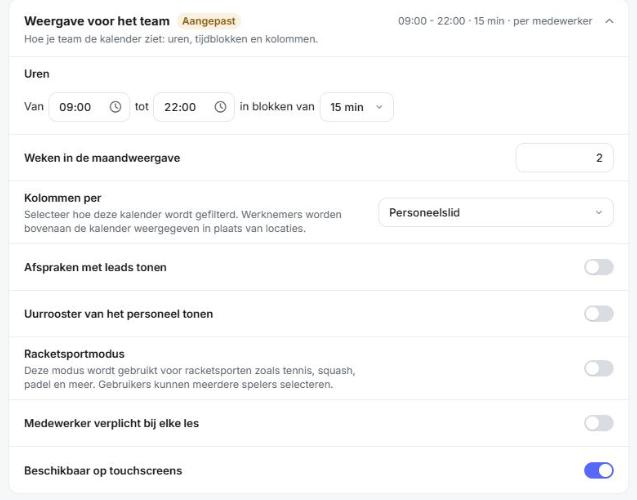
View for the team: the hours and time blocks in the planner, columns per location or per staff member, and the Racketsport Mode, among others.
Book online with a wizard
Let members book and pay step by step via a BookingWizard or SlotWizard. See 'What is a bookingwizard?' and 'What is a SlotWizard?'.