
In this manual, you will learn how to create a new exercise within Club Planner.
Create new exercises
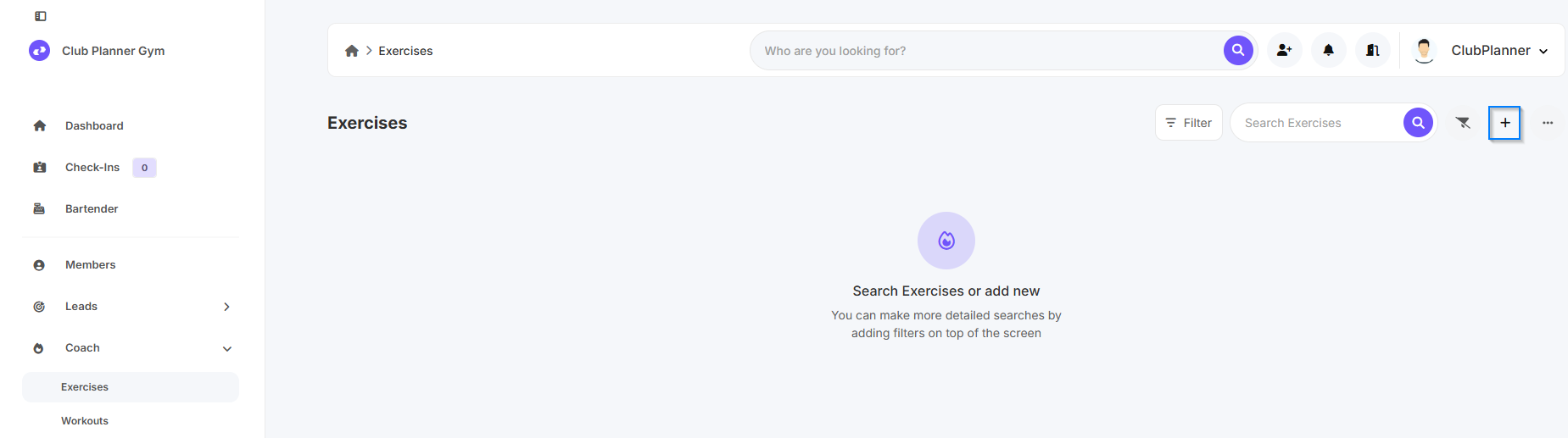
- Go to “Coach” and then click on “Exercises.”
- Then click on “Add New Exercise".
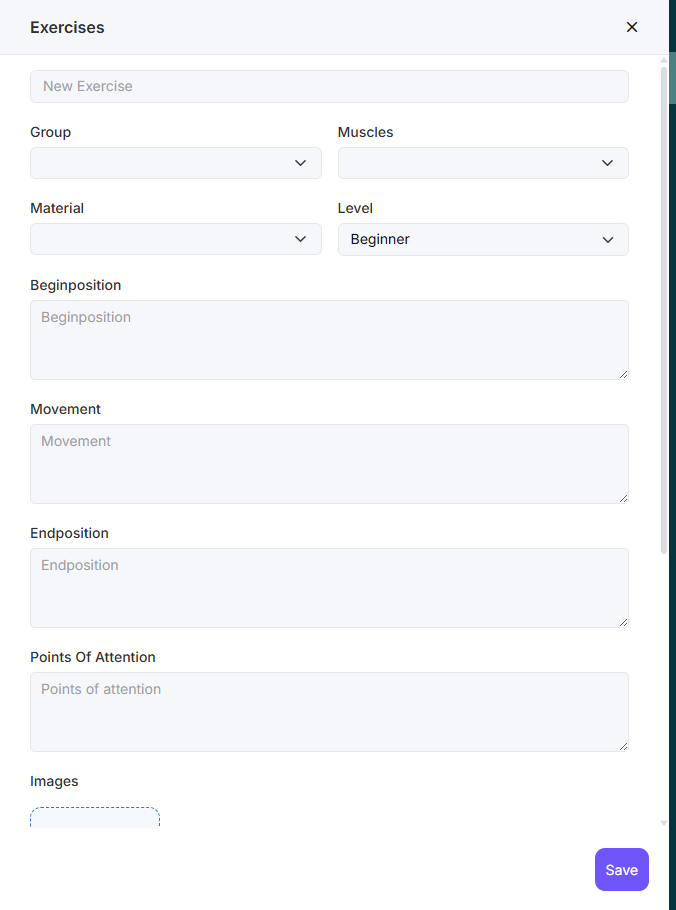
- Fill in the required fields. If desired, you can also add a photo or video to the exercise.
- Then click on ‘Save’.
The exercise is now saved and can be added to a workout.