
This article explains why a member cannot cancel their reservation.
Step 1 - Check the calendar settings
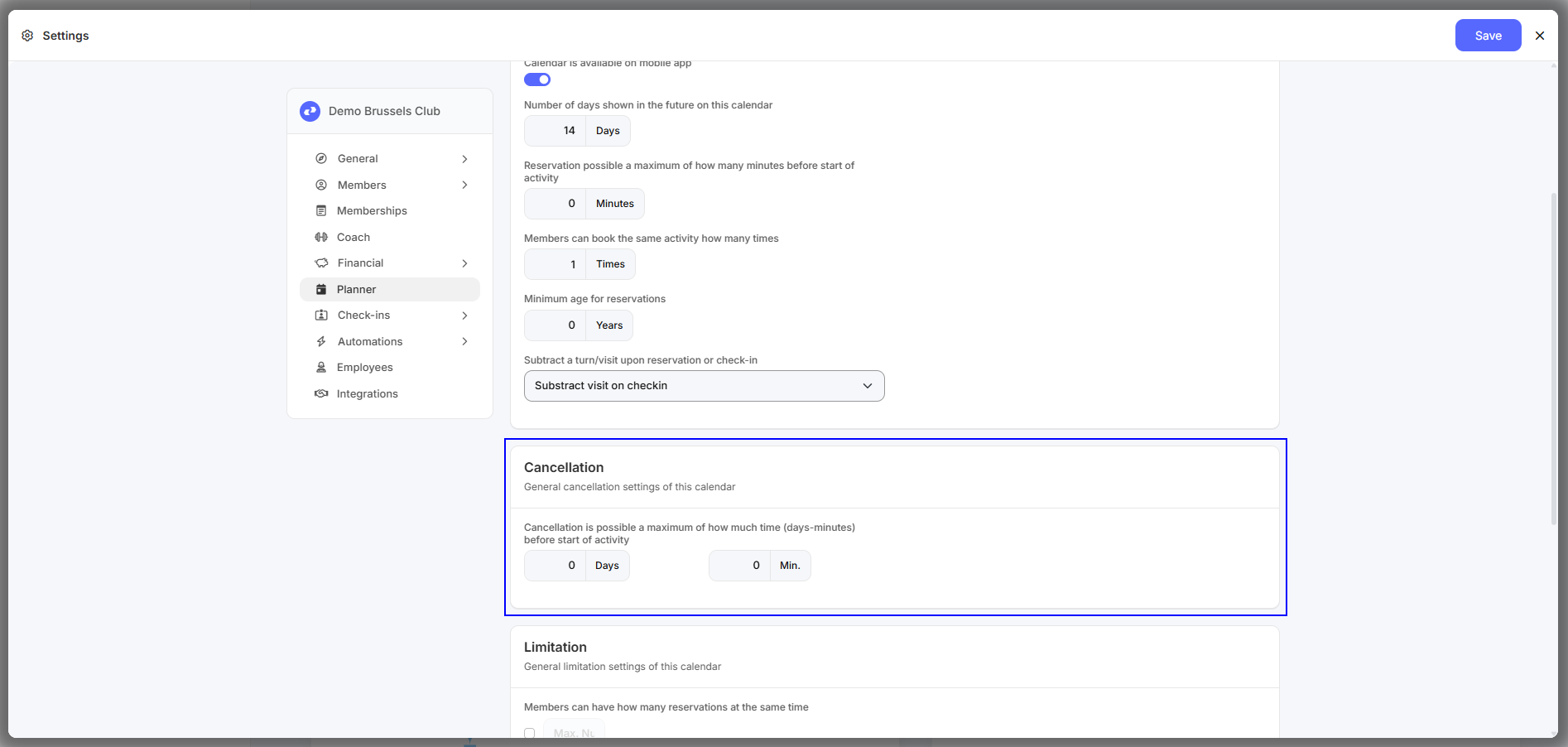
- Navigate to “Settings' - 'Planner” and open the relevant calendar.
- Check the settings under 'Cancellation'. This setting determines how many days/minutes before the start of the activity it can be canceled.
What can I do now?
- You can adjust the settings in the calendar so that the customer has more/less time to cancel.
- You can let the customer know that it is too late to cancel.
- You can cancel the reservation for the customer yourself in the Club Planner platform.