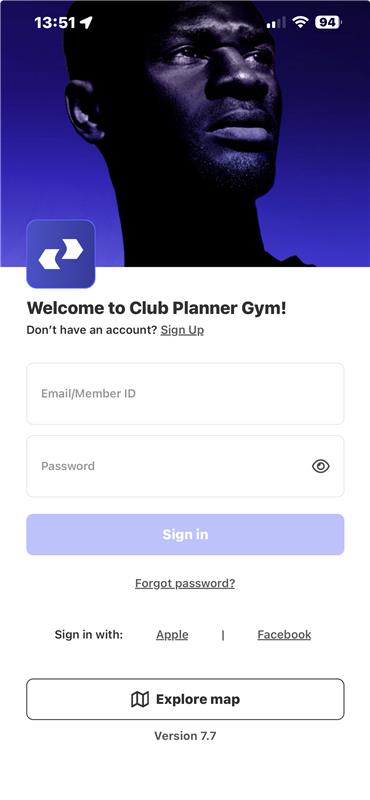
Learn here about the different options your staff can use to log in to Club Planner.
Online platform
Option 1: User & password
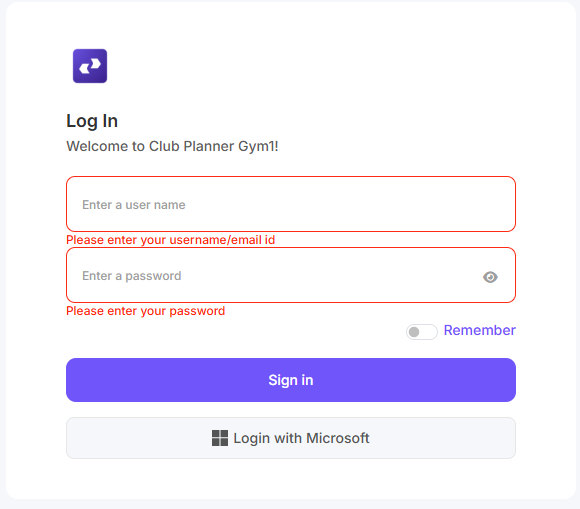
Go to https://[CLUB NAME].clubplanner.app/Account/Login
Under 'User', enter the staff number or email address associated with the staff member.
Under 'Password', enter the password of your choice.
Option 2: Log in with Microsoft
Log in with your Microsoft credentials.
MyClubPlanner App (iOS or Android)
Use this link to install the MyClubPlanner app from the App Store (iOS) or the Play Store (Android).
Under 'User', enter the staff number or email address associated with the staff member.
Under 'Password', enter the password of your choice.