In these guides, we explain step by step where you can keep track of a member's personal information.
Option 1 - In the memo on the member file
- Go to the member list in Clubplanner.
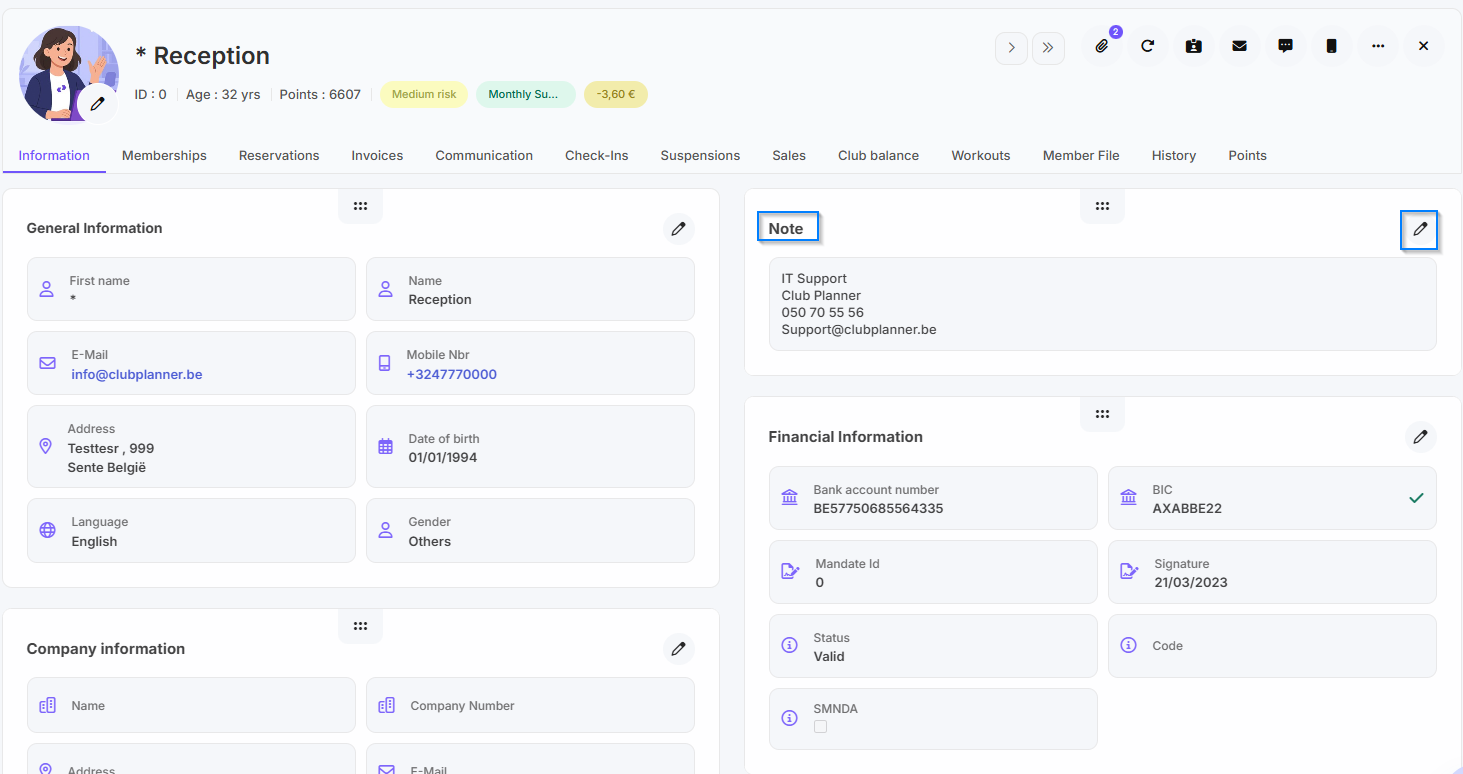
- Click on the member to whom you want to add personal information.
- Go to the 'Information' tab for the member.
- Under 'Note', click 'Edit'.
- You can then add personal information about the member here, such as: an emergency number, etc.
- Finally, click ‘Update’.
Option 2 - Keeping personal information in the Member File
- Go to the member list in Clubplanner.
- Click on the member to whom you want to add personal information.
- Go to the ‘Member file’ tab for the member.
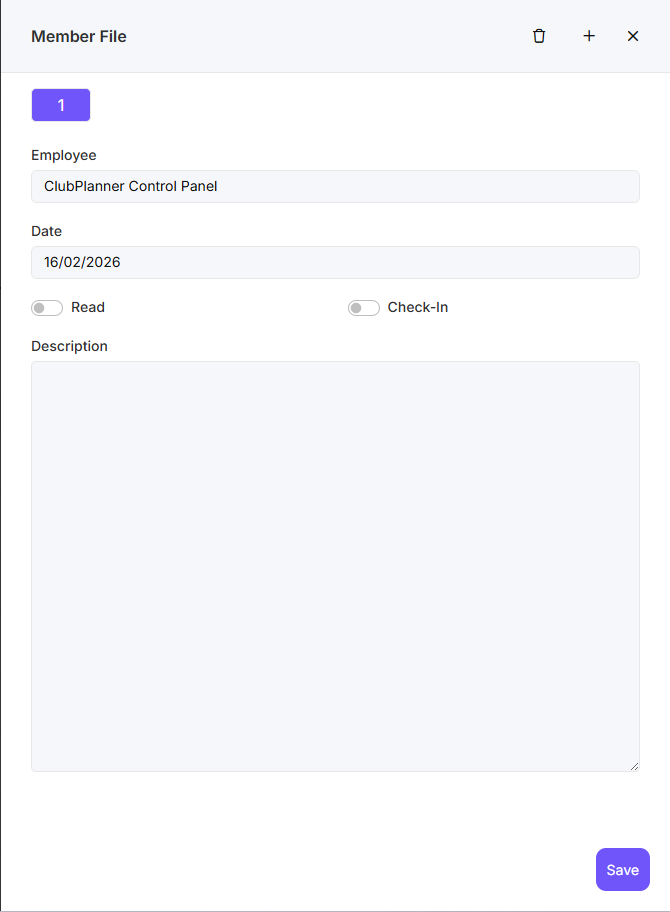
- You can then add personal information about the member here, such as: an emergency number, etc.
- If you do not check ‘Read’, this will appear as a pop-up for this member every time.
- If you check ‘Check-in’, this will appear when the member checks in, unless ‘Read’ is checked.
- Finally, click on ‘Save’.