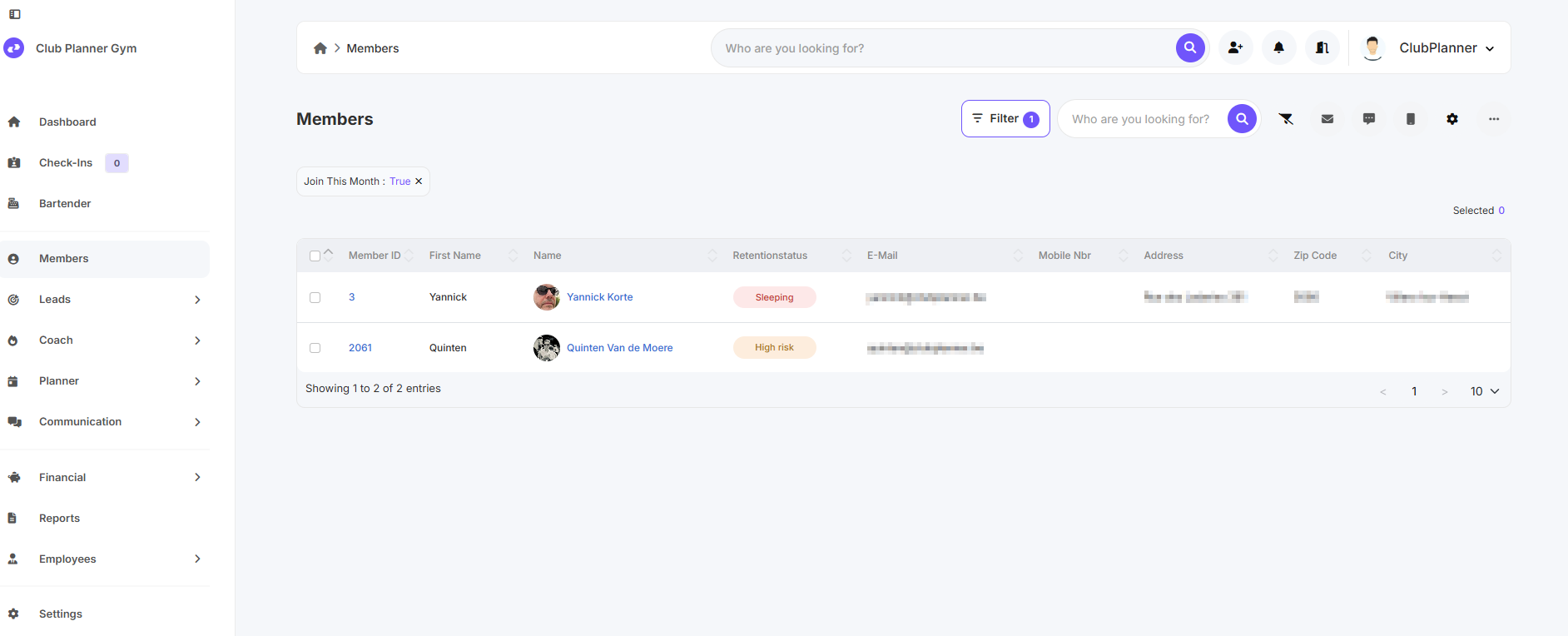
In this manual, you will learn how to use the member filter to search for new or returning members for the current month.
Search using member filter
- Go to 'Members'.
- Click on 'Filter'.
- Under Status, select the option 'Joiner (current month)'.
-
Click on 'Apply'.
Now you can see all new or returning members who started or returned in the current month.