
This article explains which payment terminals Club Planner integrates with, how to purchase a payment terminal, and how to set it up.
Purchase a mobile payment terminal
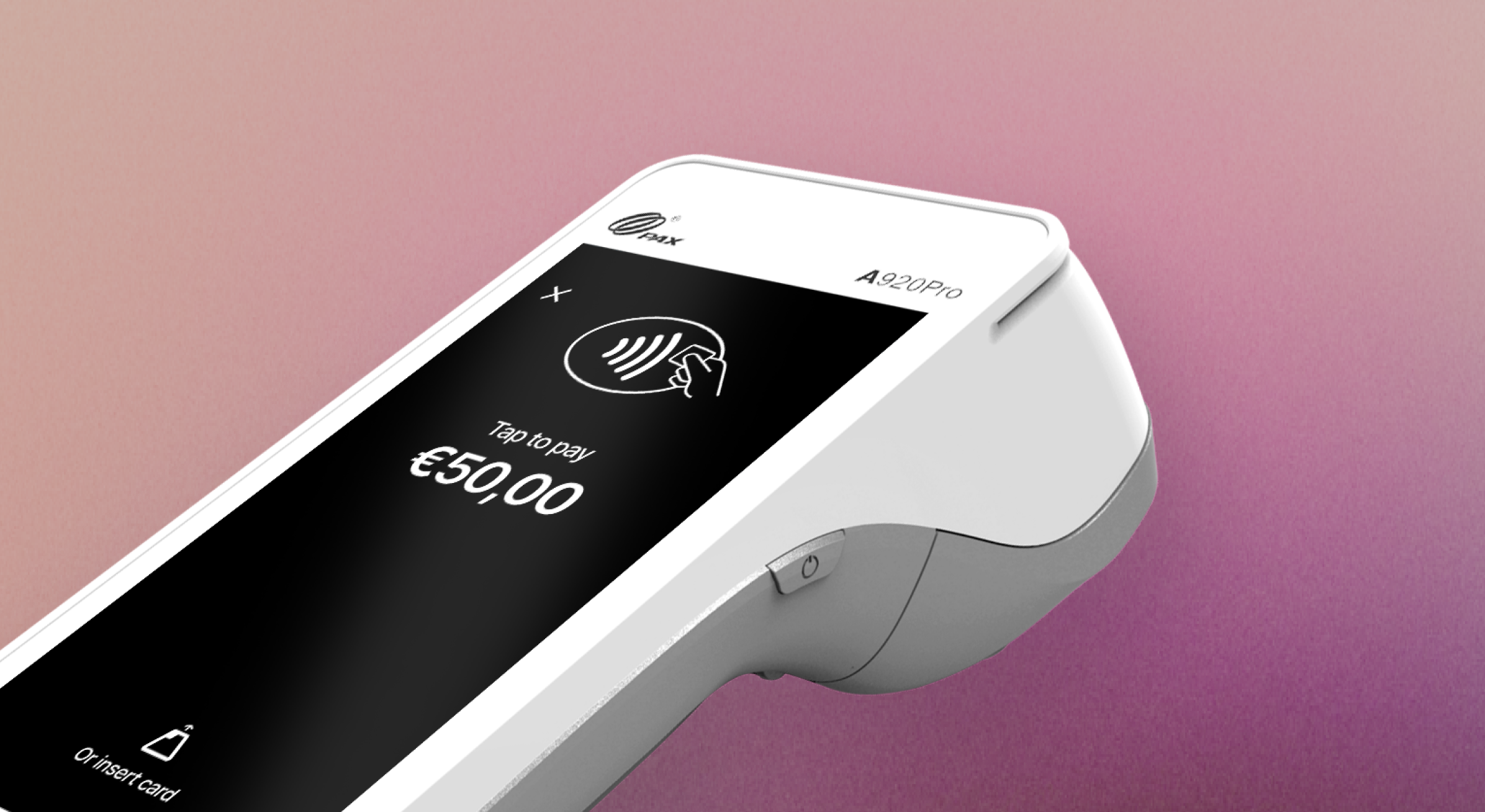
Club Planner integrates with the mobile payment terminal exclusively through Mollie, our online payment partner. You can log in to your Mollie account and then purchase a terminal via the following link: https://my.mollie.com/dashboard/pos/terminal-selection/PAX-A920Pro
- Price: €350.00 (+ VAT) (1-year warranty)
- Monthly service fee: €25.00 (+ VAT) (includes 4G SIM card and support)
- Transaction costs
Set up the payment terminal
Once your purchase is complete, the terminal will be shipped to the address you provided. The terminal is already linked to your Mollie account, but it now also needs to be linked to your Club Planner.
Link terminal to your web platform
To use a payment terminal in the Club Planner web platform, you first need to link it to the browser you are using.
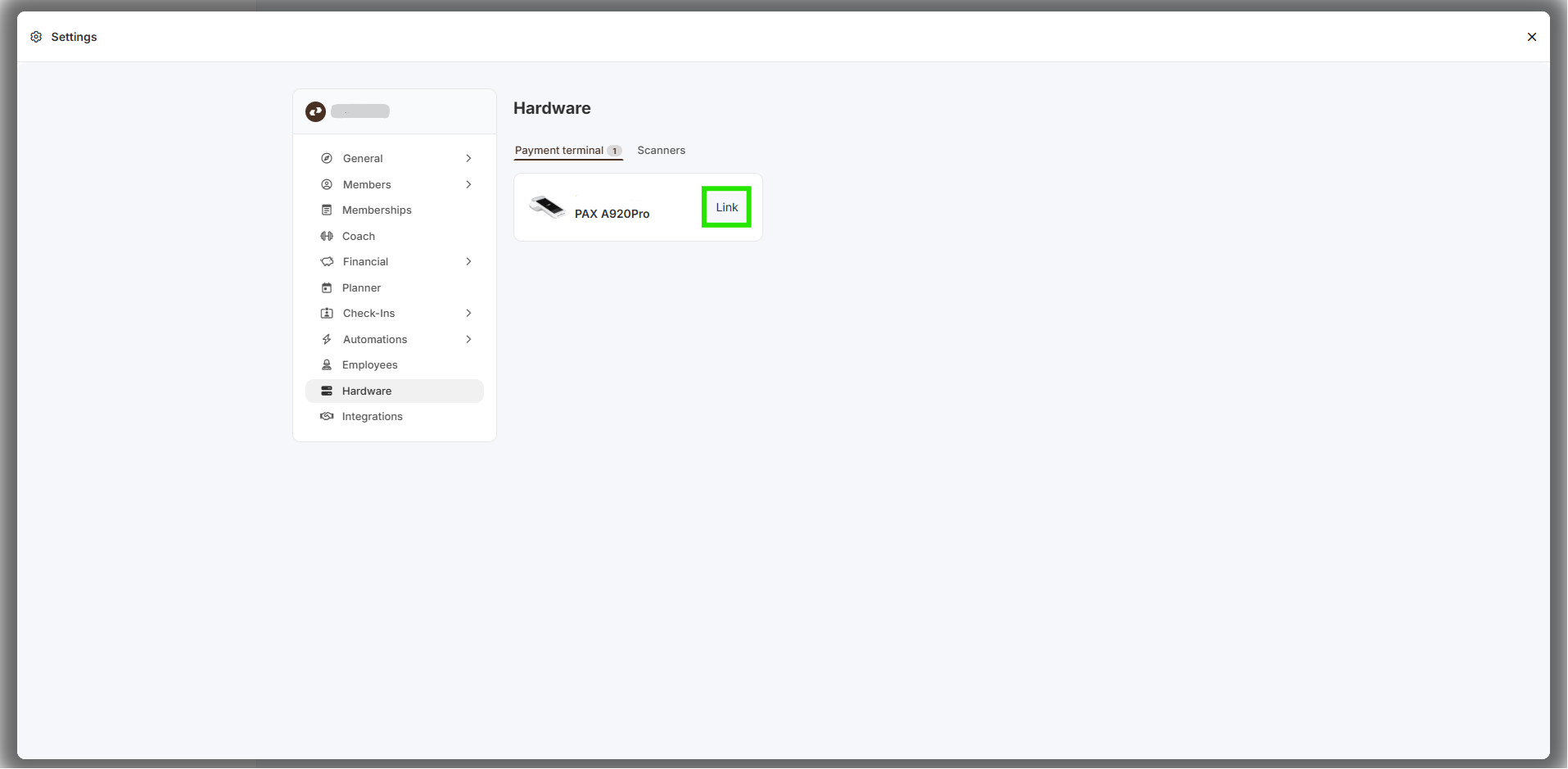
- Go to Settings → Hardware → Payment Terminal. (https://MYCLUB.clubplanner.app/settings#hardware)
- You will see all payment terminals connected to your Mollie account.
- Click Link next to the terminal you want to use.
Once linked, that payment terminal is assigned to the current browser on that device (for example, Google Chrome on your reception PC). The browser stores this connection using cookies, so the terminal will automatically be recognized the next time you use the platform.
Important notes:
- If you clear your browser cookies or use a different browser, you will need to link the terminal again.
- The same payment terminal can be linked to multiple browsers and devices. For example, you can link it to the reception computer and a separate computer at the bar.
Link terminal to your desktop application
To do this, please contact our support center at support@clubplanner.be or by phone at +32 (0)50 70 55 56.