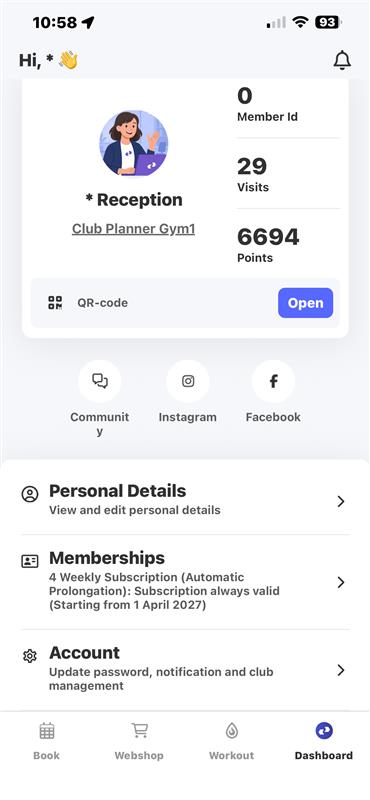
The MyClubPlanner App is one app for all clubs and end users. Some customers exercise at two clubs, which means they have to log in to the other club for check-ins, paying for memberships, making reservations, etc.
Step 1 - How do I go to the settings to change clubs?
- You go to 'Dashboard'
- Then go to 'Account'
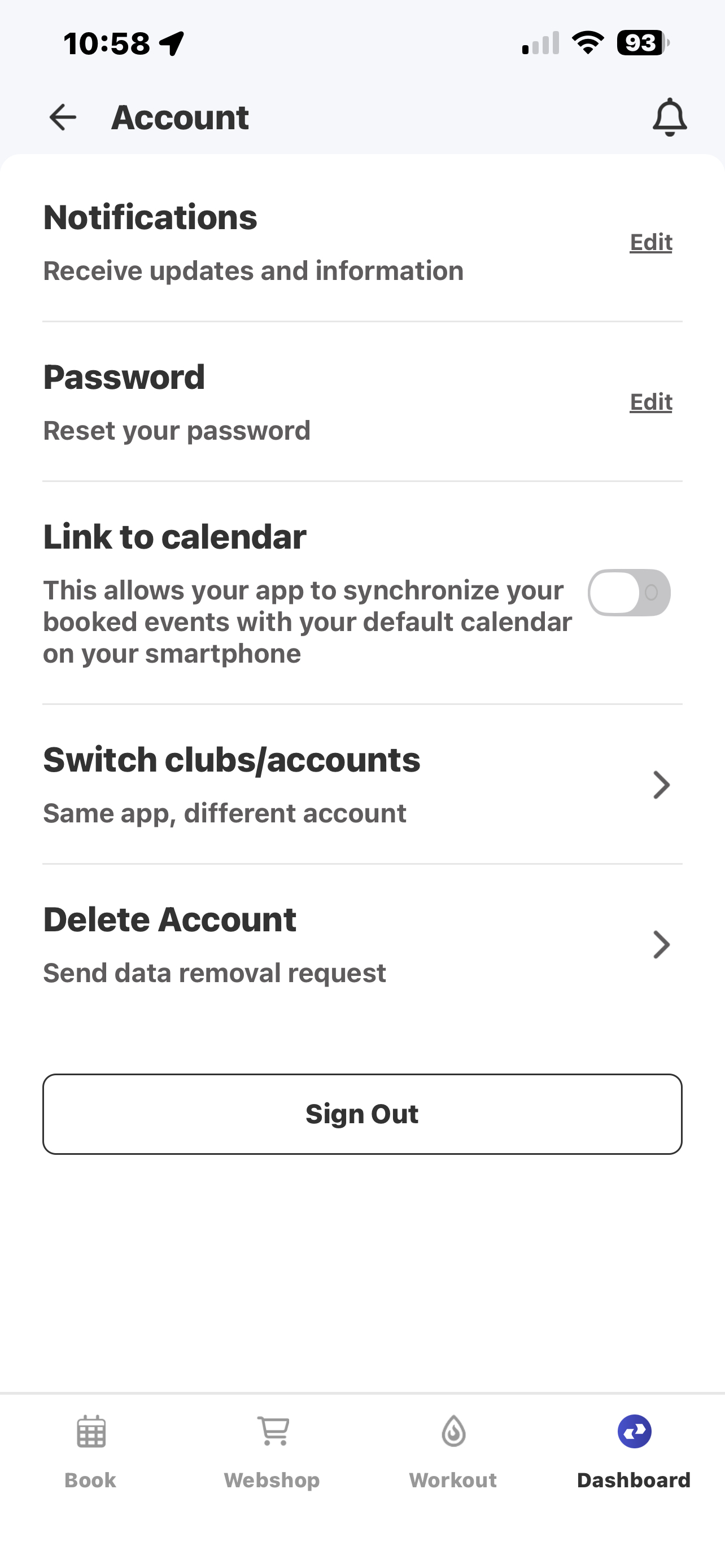
Step 2 - Go to the settings to change clubs.
- Scroll down and click on ‘Switch clubs/accounts’.
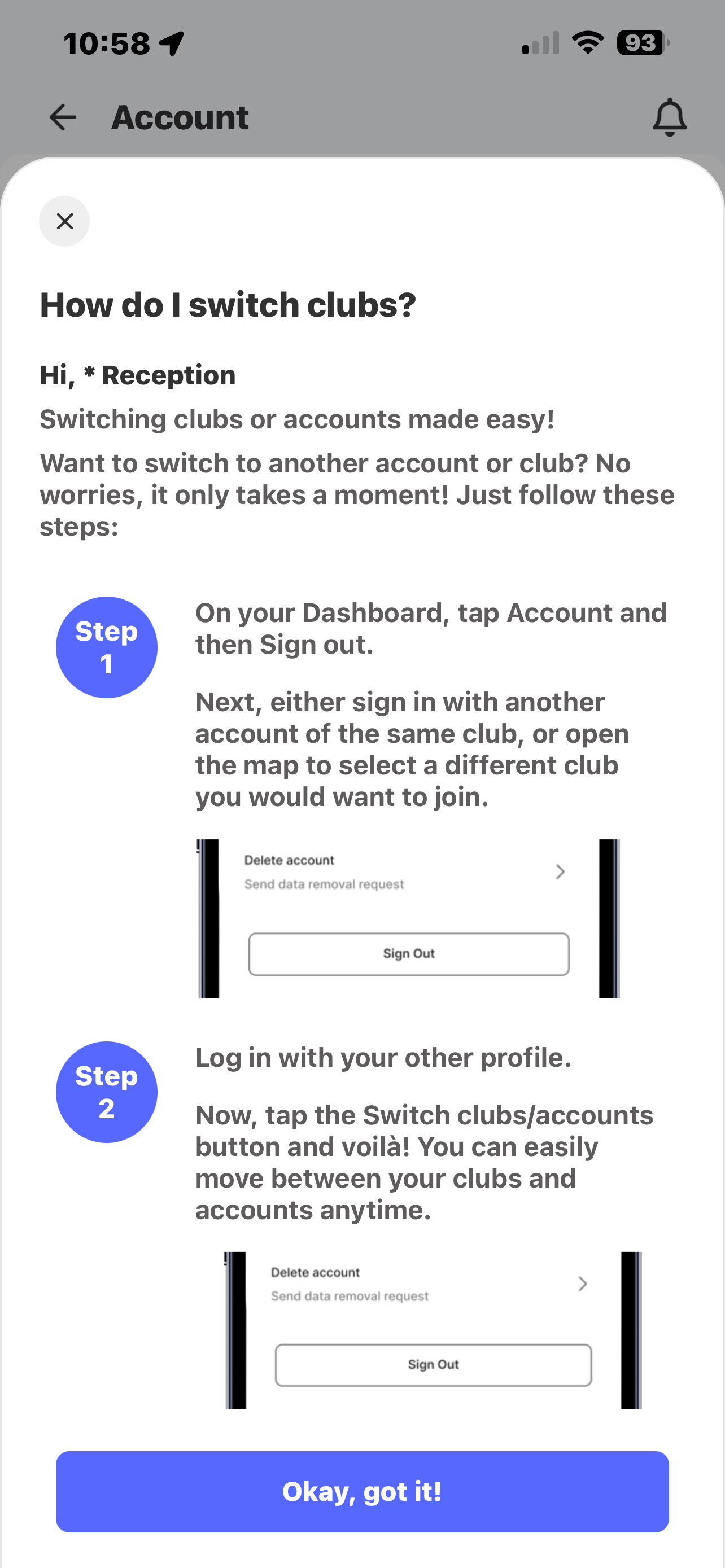
Step 3 - Set up both your clubs.
- Below you will find step-by-step instructions on how to set up a different club for the first time.
- You need to log out first.
- Next, find the club, or navigate via the map to the other club for which you also have an account, and log in there.
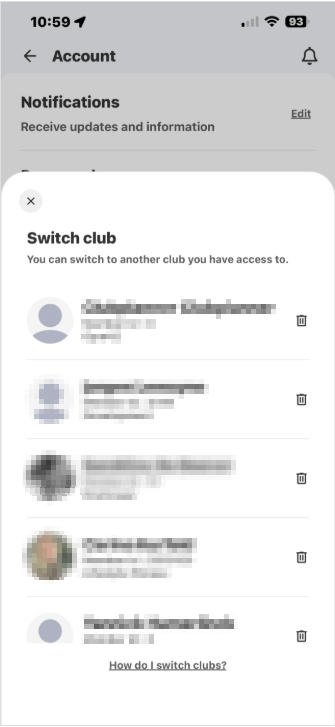
Step 4 - Changing clubs.
- After logging in to both clubs, you can go to ‘Switch clubs/accounts’.
- You may now switch clubs.