In deze handleiding leer je hoe je de geschiedenis van wijzigingen binnen je club kan bekijken. Je ontdekt hoe je via personeelsbeheer en de filterfunctie snel gebeurde wijzigingen kan opzoeken en raadplegen.
View change history
This feature lets you easily see what changes have been made for a specific member
Steps
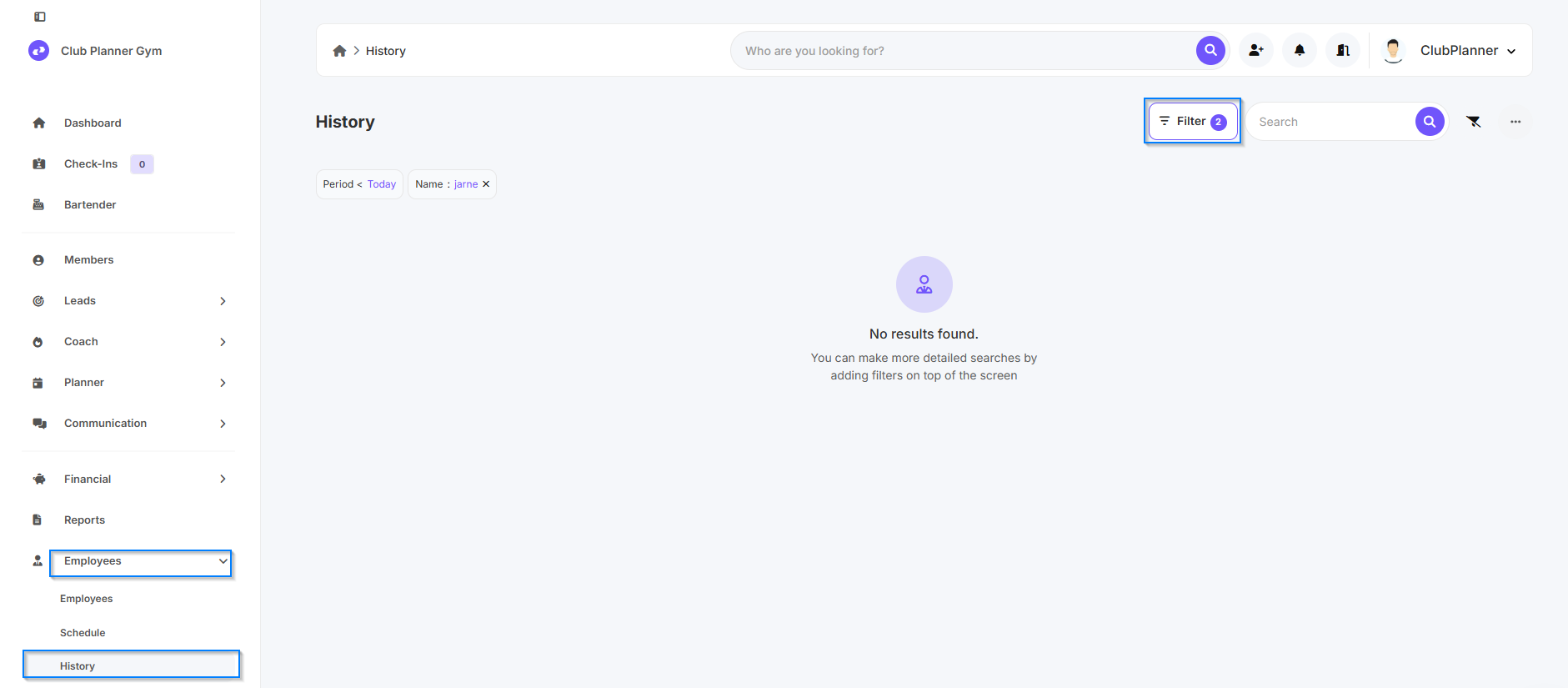
- Go to Personnel Management
- Click on History
- Then click on the filter icon in the top-right corner
Set filter
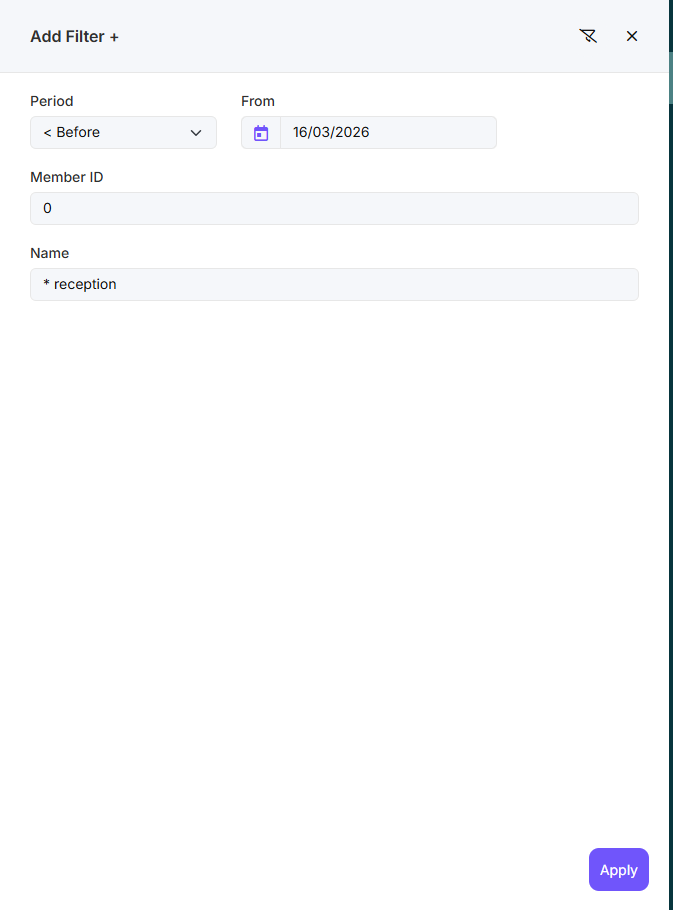
- Set the time period for which you want to view the changes.
- In the Member No. field, enter the member number of the member whose changes you want to view.
- You can also search by name, but the name must be spelled exactly right.
- Finally, click Apply.
Result
You will now see a summary of all changes made to this member during the selected time period.